Free · The full build, prompt by prompt
Free build guide · PDF

The exact promptsto build a YouTubethumbnail app.

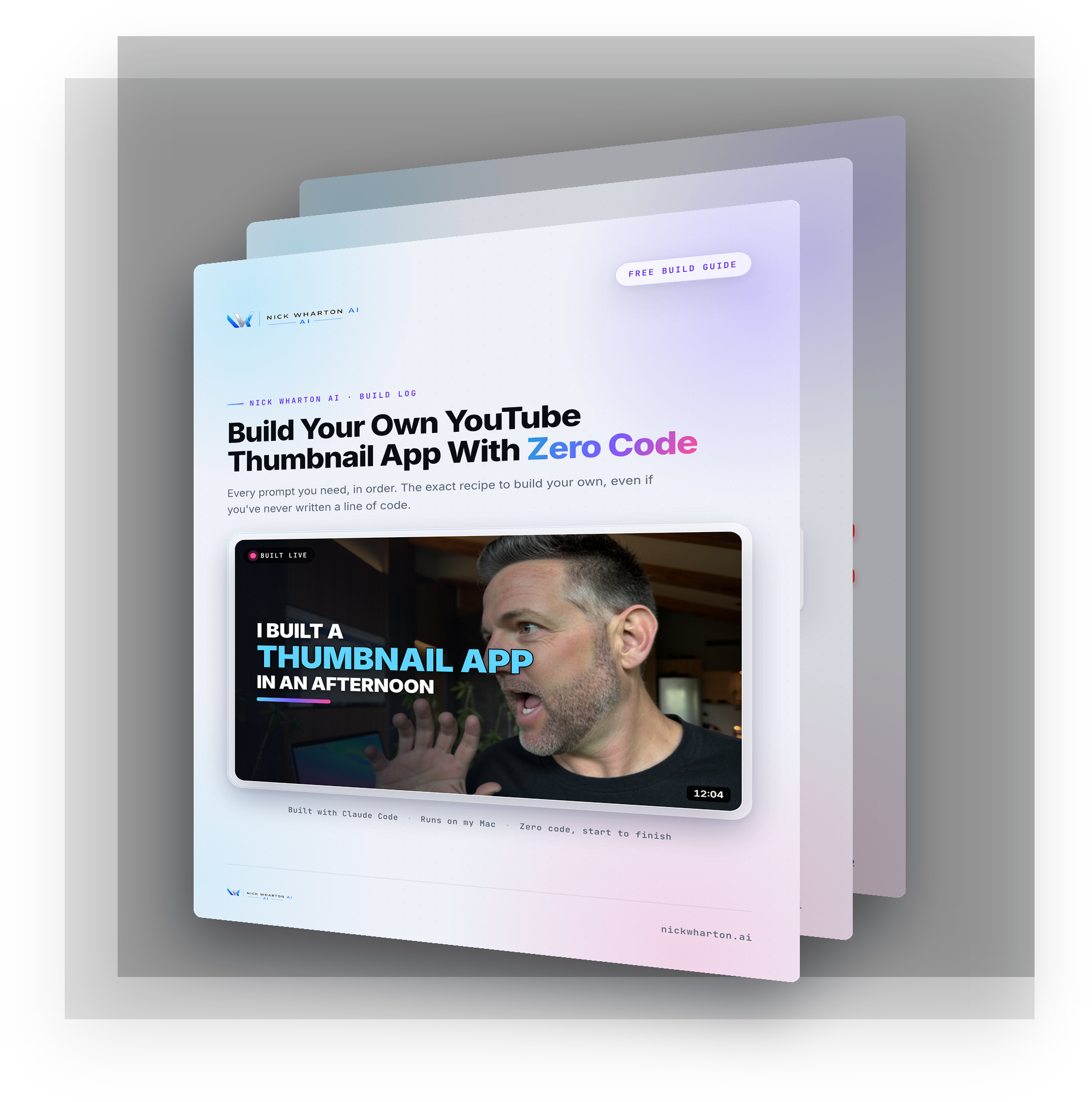
A 12-page guide with every prompt I typed into Claude Code to build my thumbnail app, in order. No coding background needed. You describe what you want, react to what comes back, and tell it what to fix.
You're in. The guide is ready. Tap below to open it.
Download the guide (PDF)
No spam. The guide, plus the occasional build breakdown.
The free guide: How to Build a YouTube Thumbnail App by Nick Wharton AI, cover and inside pages fanned out Free · 12 pages
What's inside

The whole build, nothing held back.

Every prompt is a template. Swap in your channel, your face, your style. The order is the part that matters.

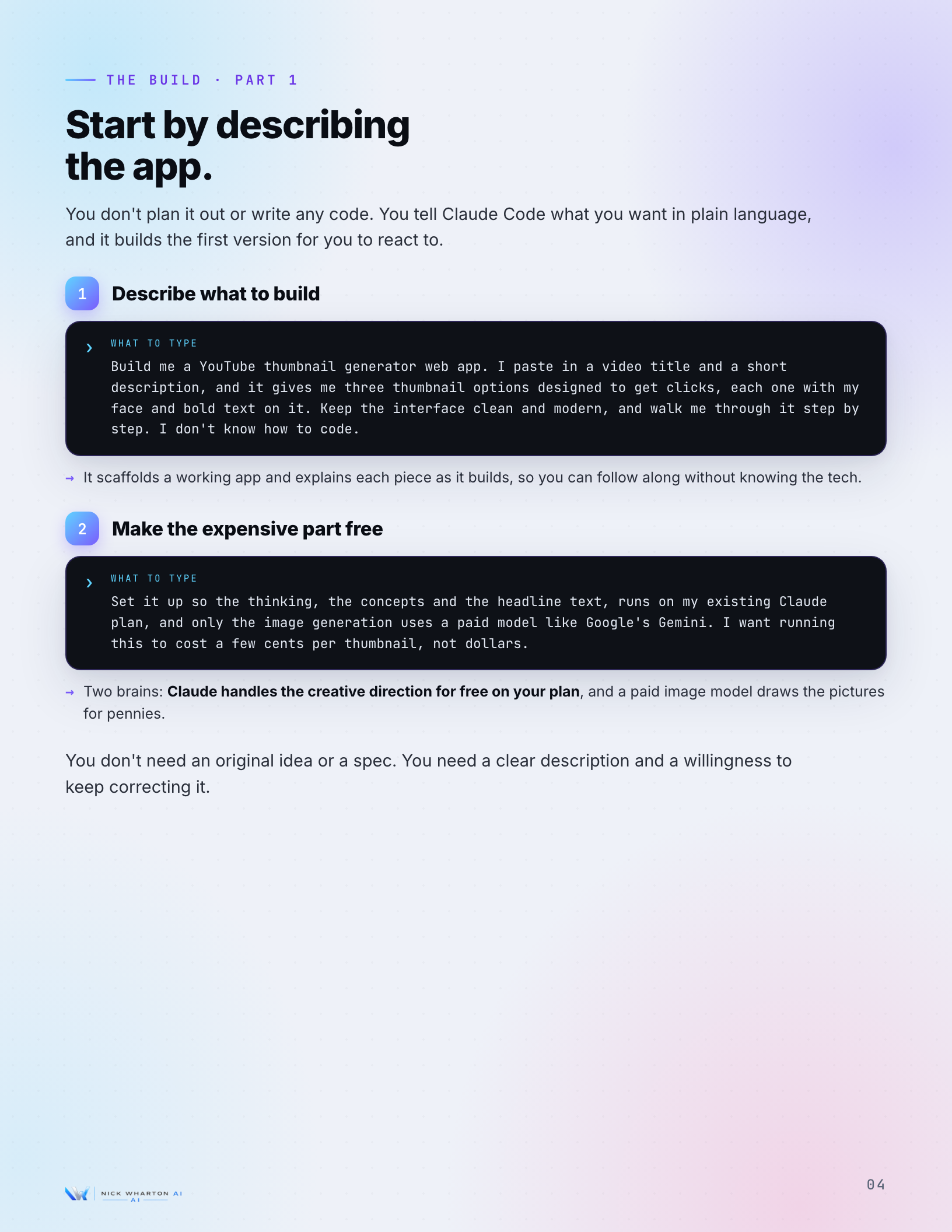
A guide page showing the first build prompts as terminal-style cards: describe the app, make the expensive part free
The exact prompts, in order

Copy the prompts. Type them as they are.

Each step is one ask and what it gets you, written out as a card you can paste straight into Claude Code. You start by describing the app in plain language, then fix what looks wrong, one prompt at a time.

  • 11 build prompts laid out in sequence
  • Plain-language asks, not code
  • What each prompt gets you, spelled out
Make it look like you

Get your own face on every thumbnail.

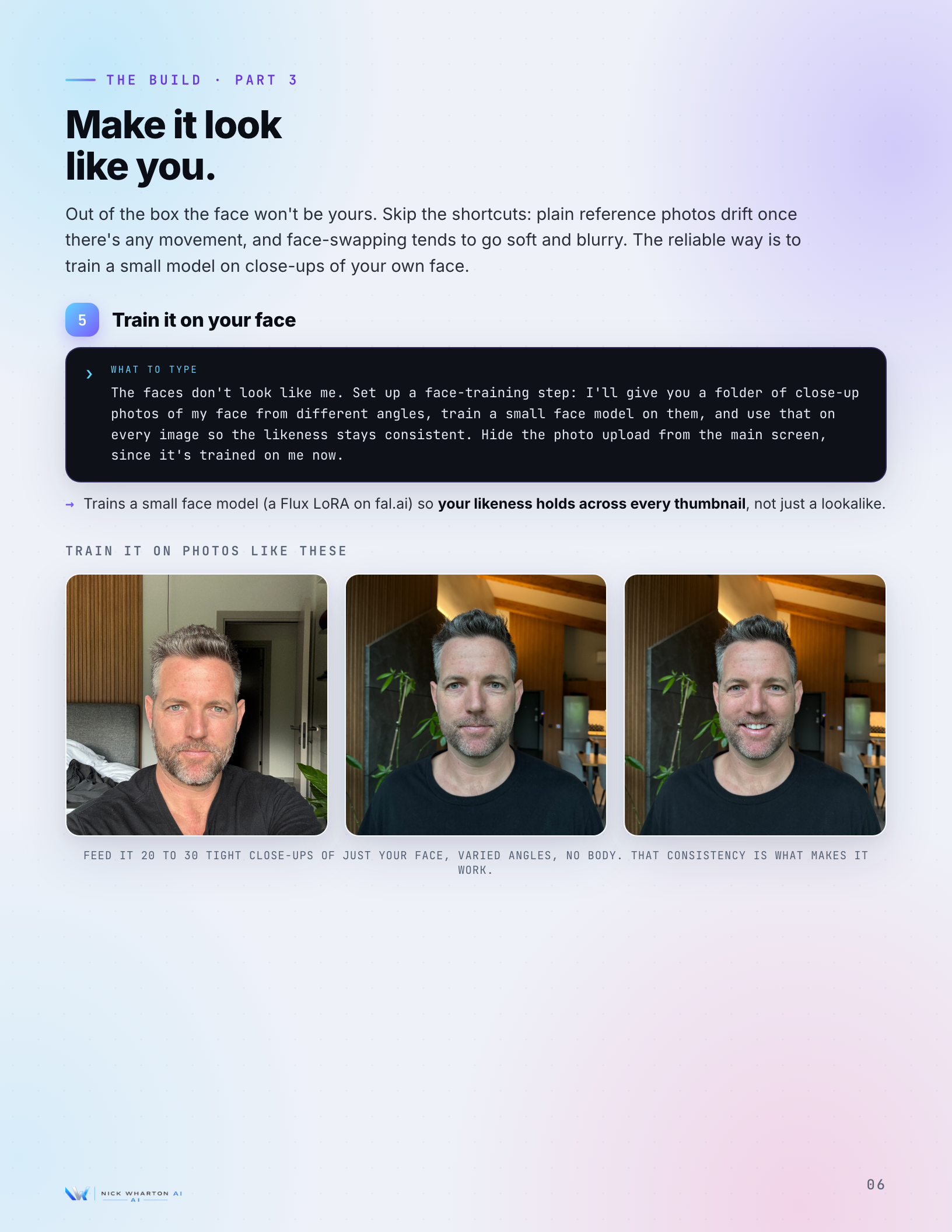
Reference photos drift the moment there is any movement, and face-swapping goes soft. The guide walks the reliable route: train a small face model on close-ups of your own face so the likeness holds on every image.
  • Why plain reference photos fail
  • The face-training step, prompt included
  • Keeps your likeness consistent across runs
A guide page on training a small face model so the thumbnails actually look like you
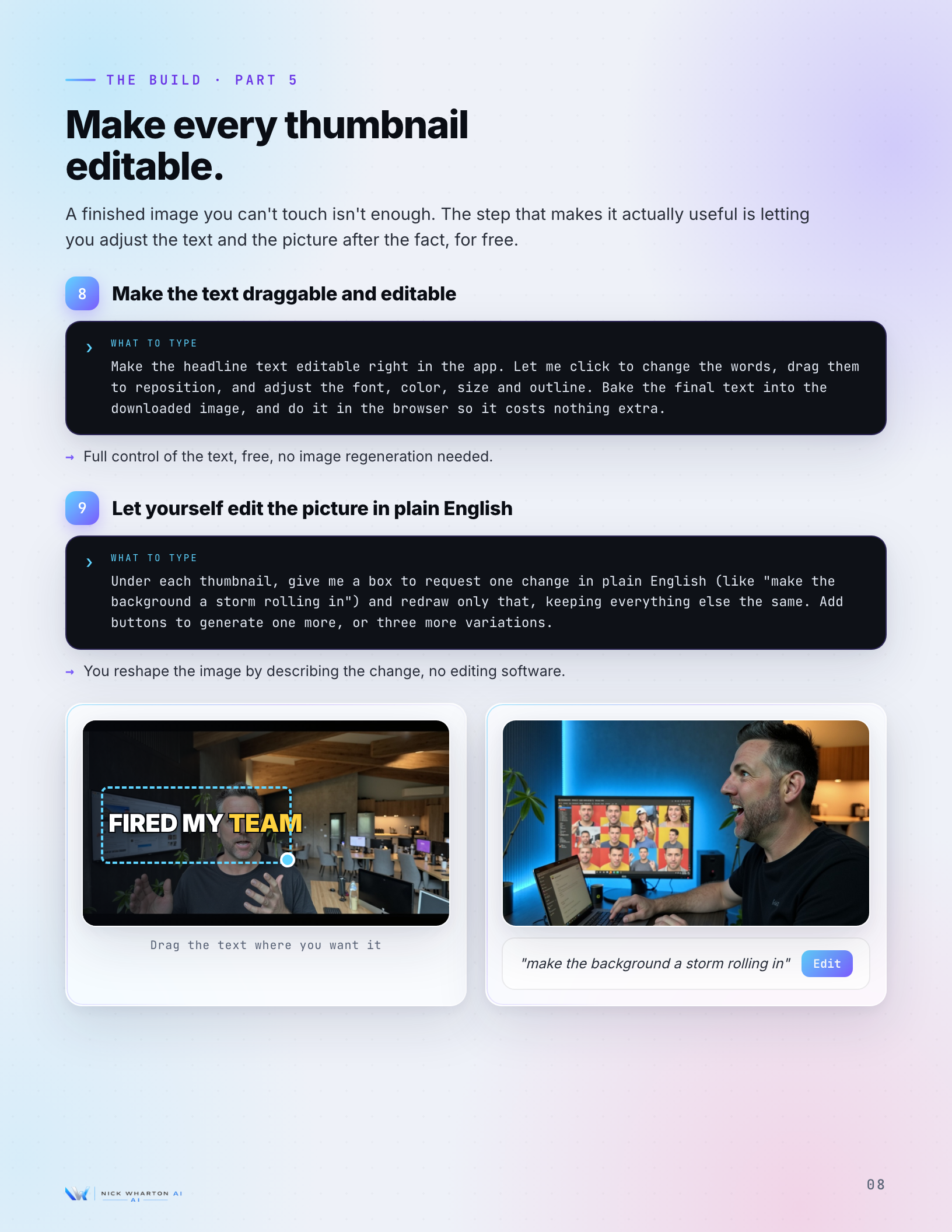
A guide page on making the headline text draggable and editable inside the app, free
Editable, not locked

Make the text draggable and free to edit.

A finished image you cannot touch is not enough. The guide shows the prompt that lets you click to change the words, drag them to reposition, and adjust the font, color, size and outline, all baked in the browser for free.

  • Click-to-edit and drag the headline
  • Font, color, size and outline control
  • Final text baked in, no re-generation cost
The snags, pre-solved

The things that fight you, and what to say.

A few steps will go sideways. Laggy text dragging, an edit that hands back the same image. The guide gives you the exact line to type for each one, so you fix it in one message instead of an afternoon.
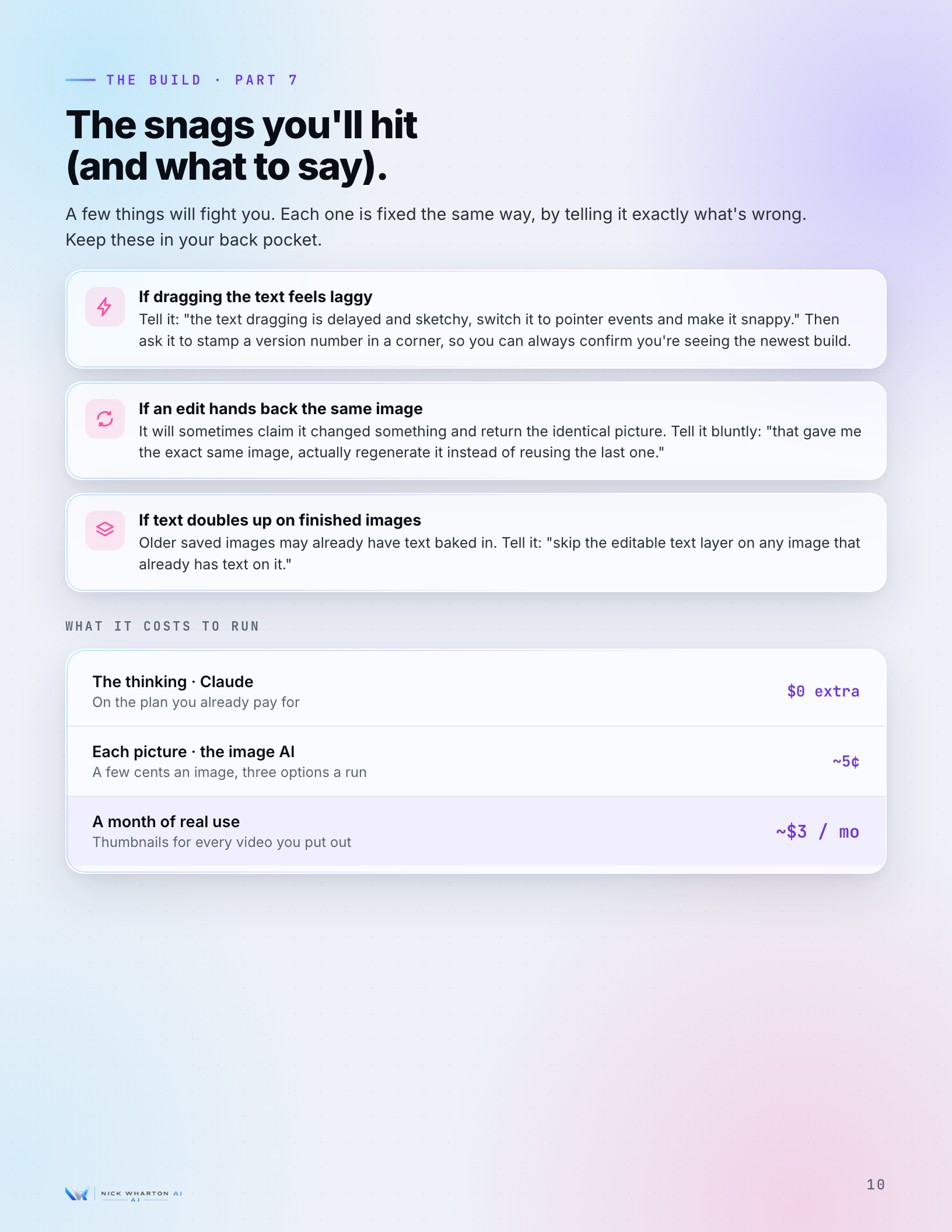
  • Common failure points called out
  • The precise prompt to fix each
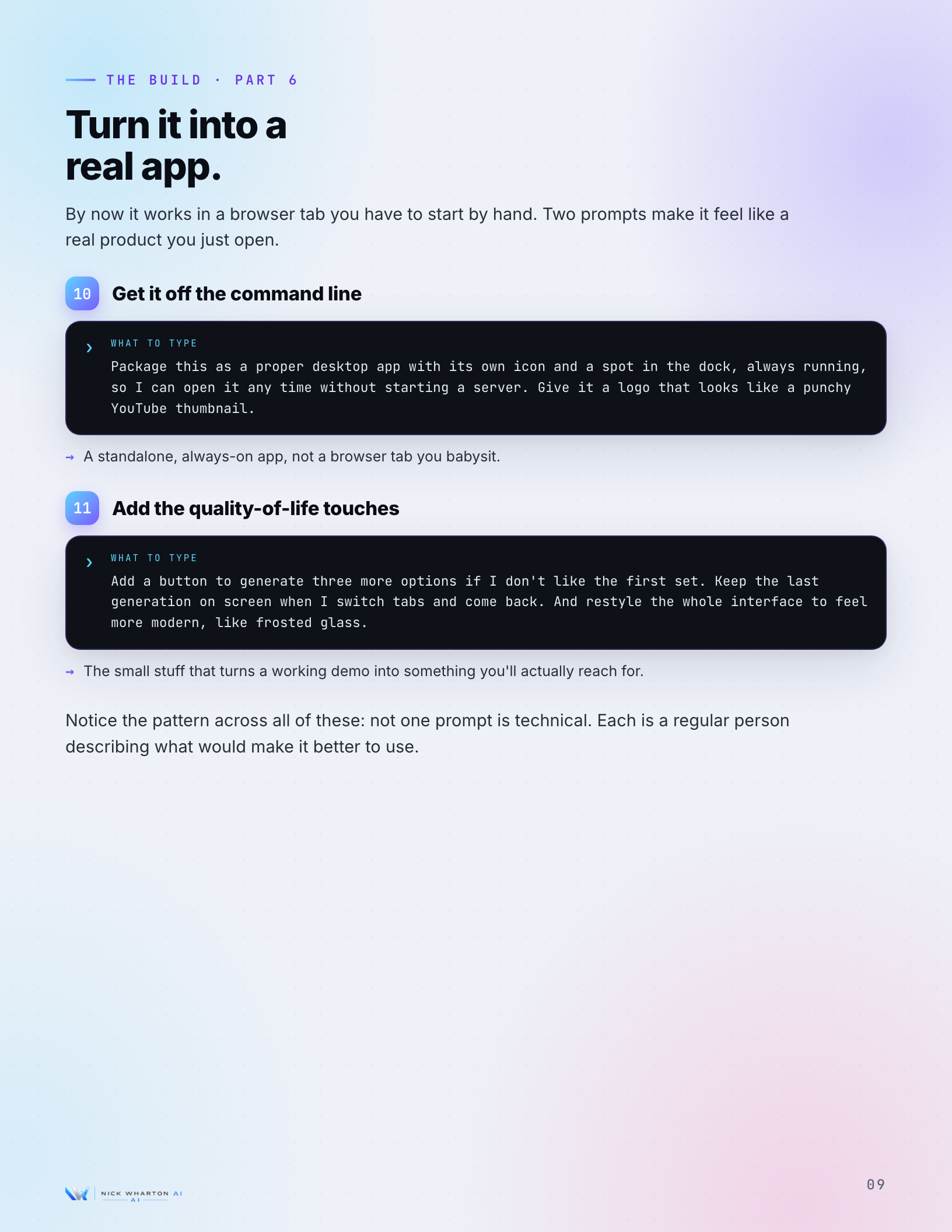
  • Plus how to ship it as a real desktop app
A guide page listing the common snags and the exact thing to tell Claude Code to fix each one
Peek inside

A look at the pages.

Twelve pages, built the same way as the app: described in plain language, fixed until it looked right.
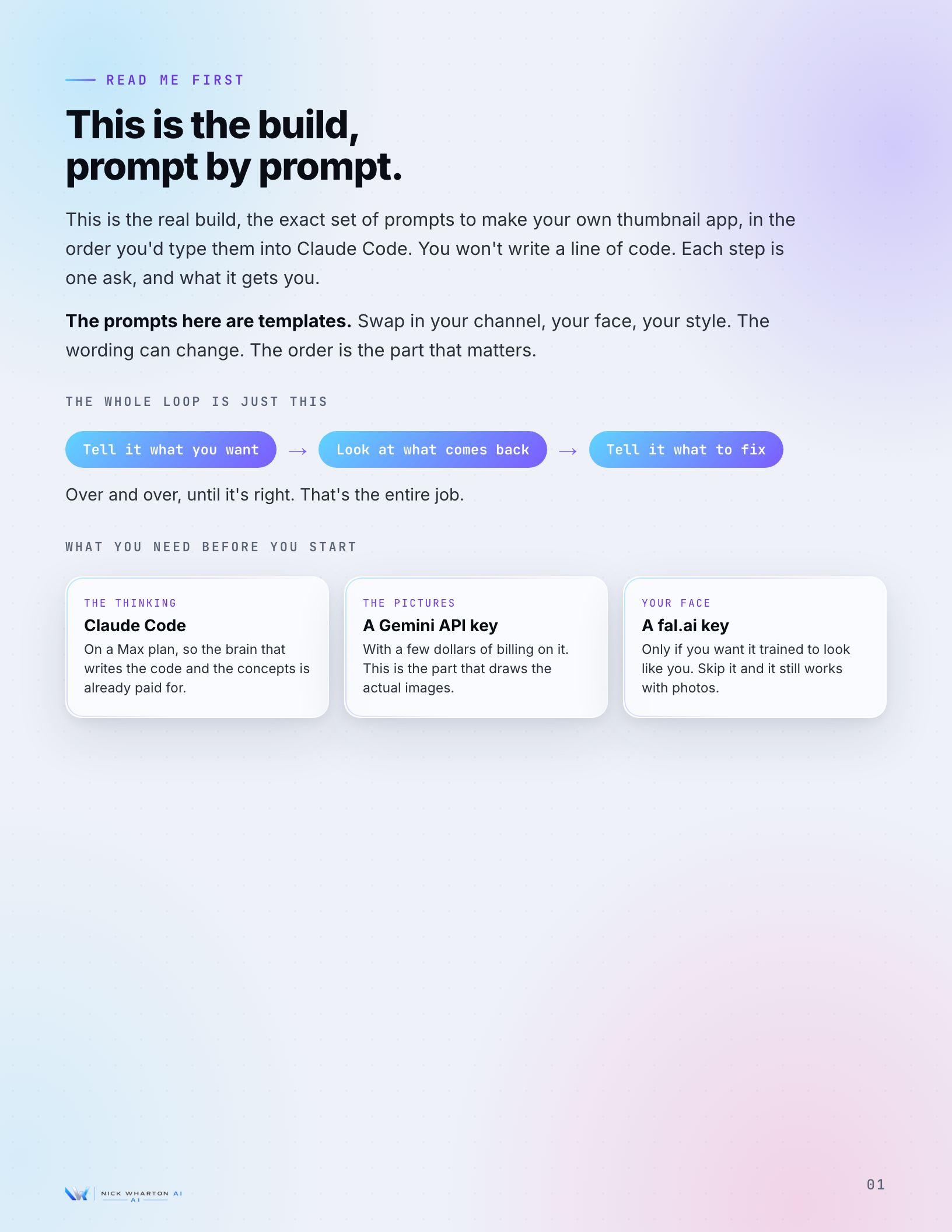
Read Me First page: the whole loop, what you need before you start
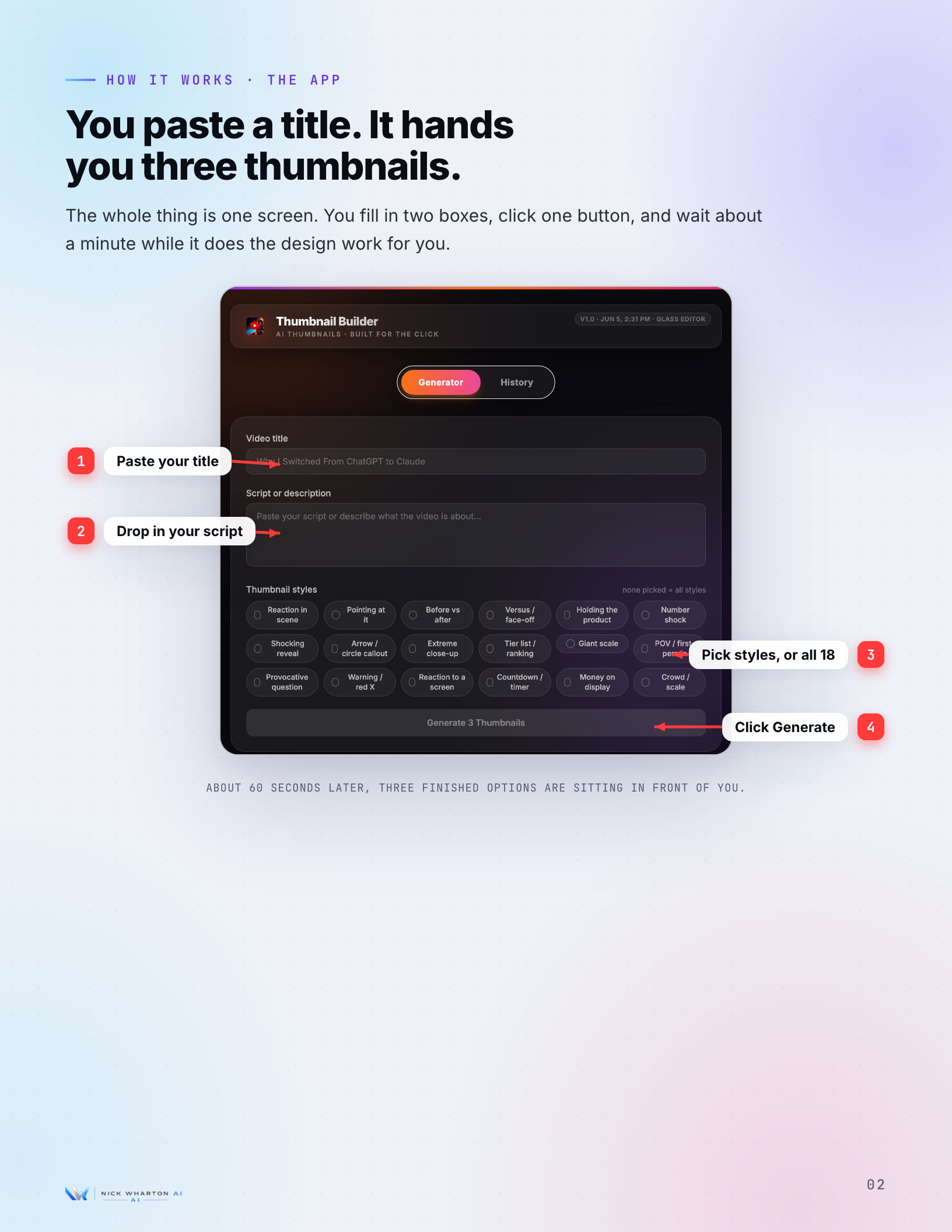
How It Works page: paste a title, get three thumbnails on one screen
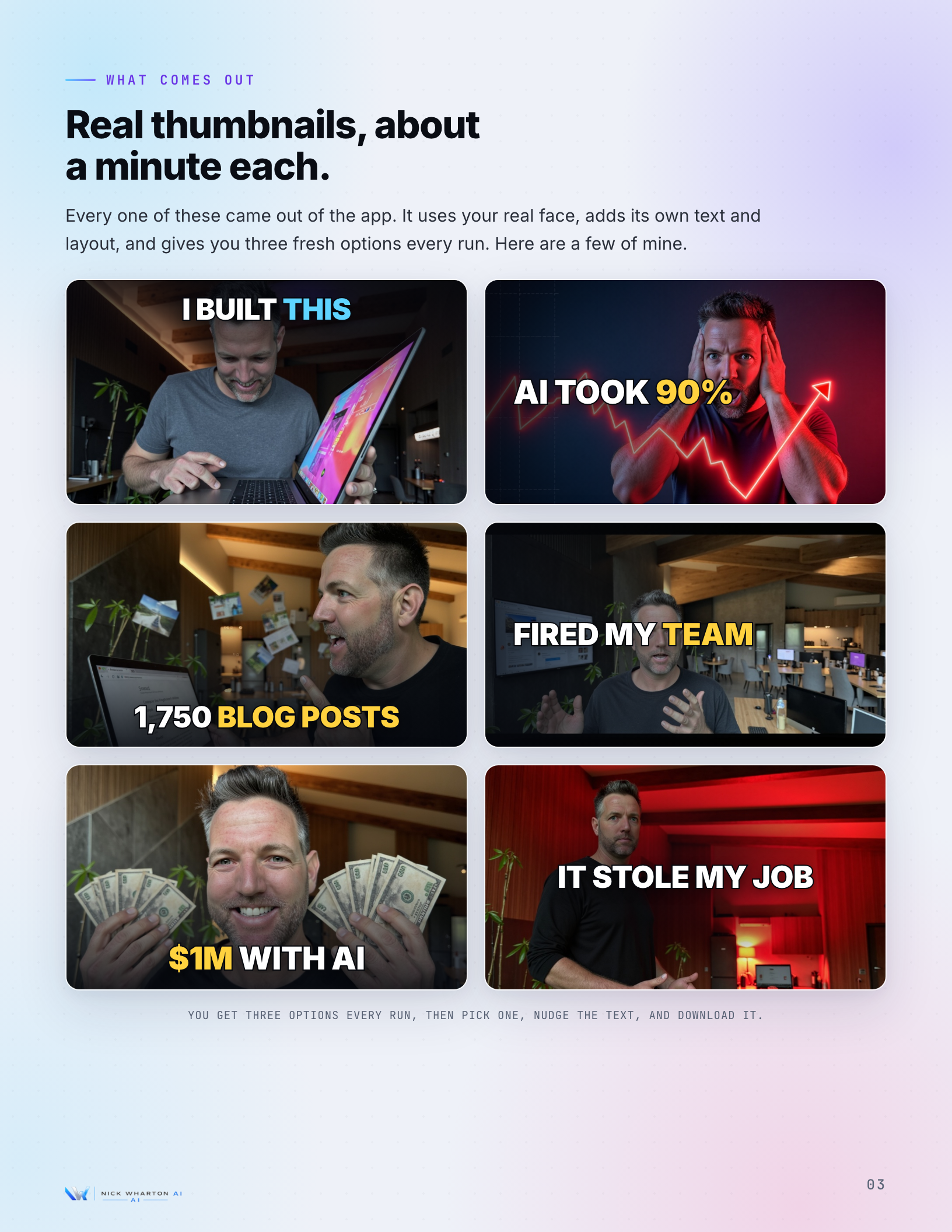
What Comes Out page: real thumbnails the app produced
The Build Part 1 page: the first prompts as terminal cards
The Build Part 3 page: train it on your face
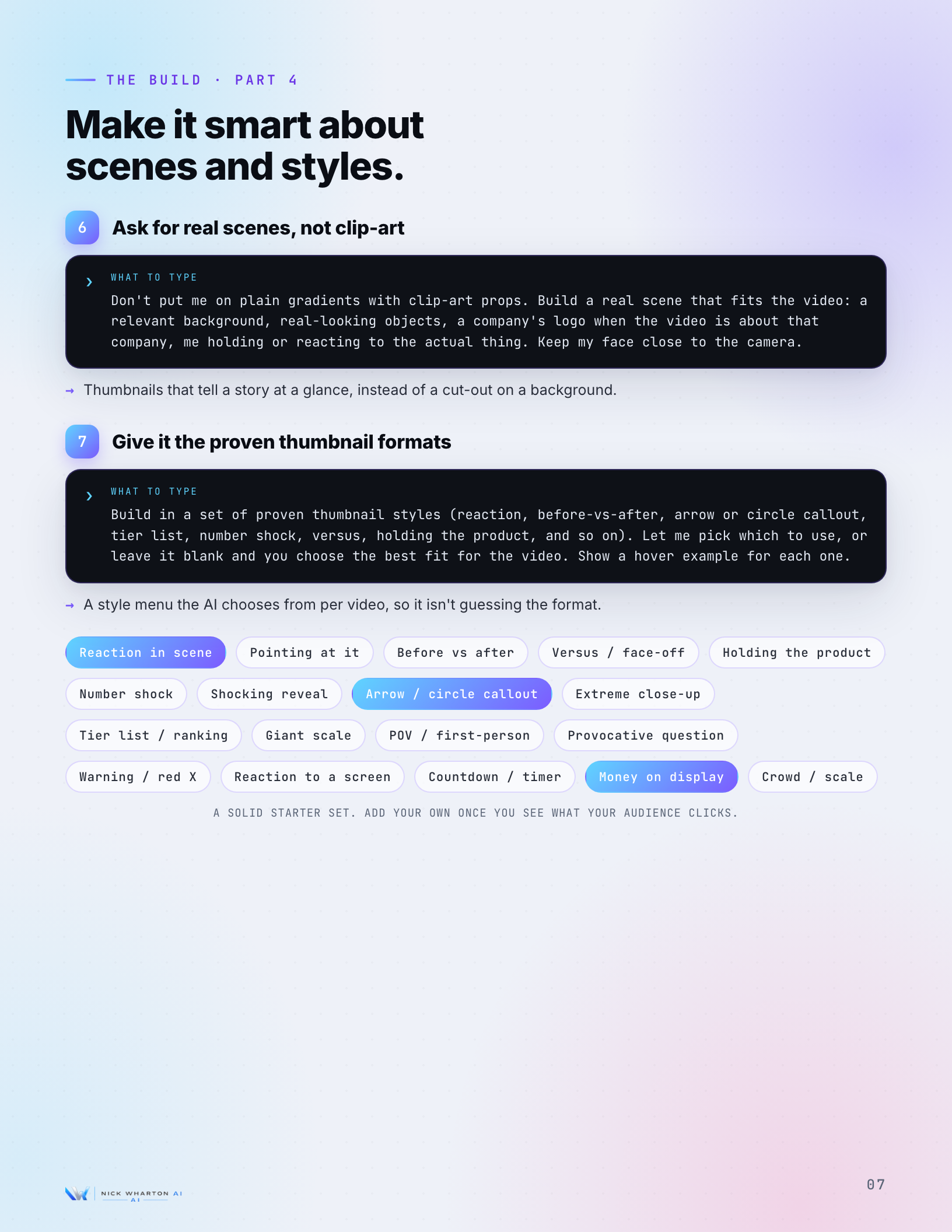
The Build Part 4 page: real scenes and proven styles
The Build Part 5 page: make every thumbnail editable
The Build Part 6 page: turn it into a real desktop app
Questions

Quick answers. No fine print.

No. The whole guide is plain-language prompts you type into Claude Code. You describe what you want and fix what looks wrong. I have never written a real line of code myself.
Claude Code on a Max plan, a folder of close-up photos of your face, and a paid image model for the picture generation. The guide lists it all on the first page.
No, and that is the point. Your prompts will be different, so your thumbnails and your app will be too. The guide gives you the order and the wording to start from.
There isn't one. The guide is free. Drop your email and you can download the PDF right away. I'll occasionally email a build breakdown, and you can unsubscribe anytime.
It's the companion to it. The video shows the build live. The PDF is the prompts written out in order, so you can copy them and build your own without scrubbing back through footage.
Rather just use the app?

Don't want to build it? Get on the waitlist.

The thumbnail app I built in the guide is becoming a product. Upload your face, get click-tested options, pick one, download it. Get on the list and I'll email you when it opens.

See the app