Beta · Join the waitlist
YouTube Thumbnail Generator

Your next videowins or losesat the thumbnail.

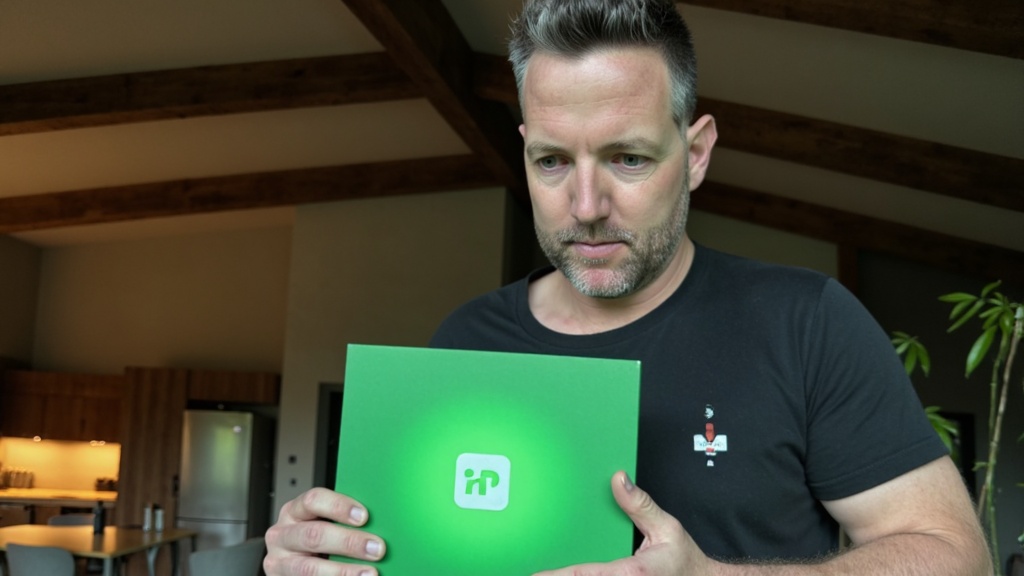
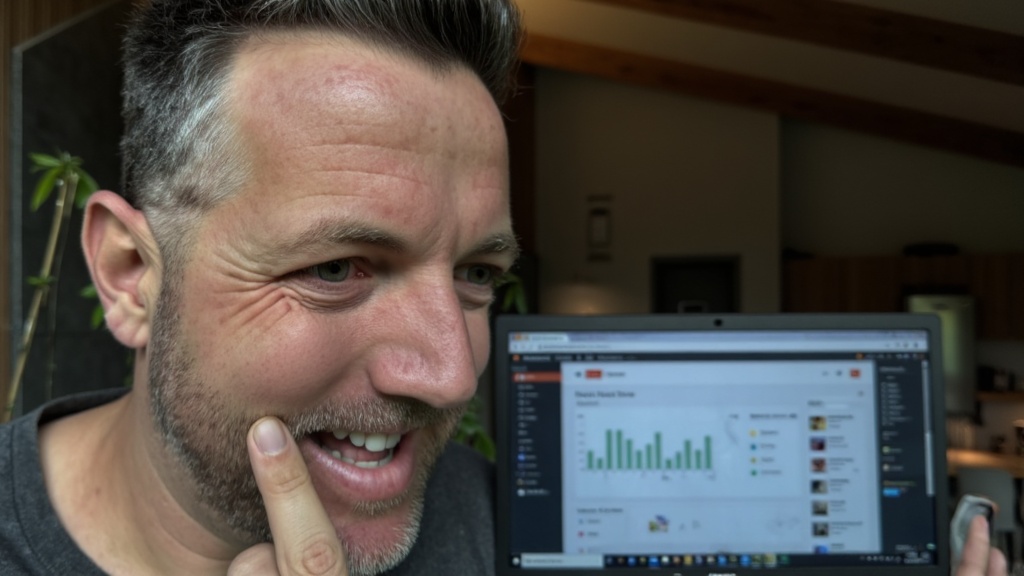
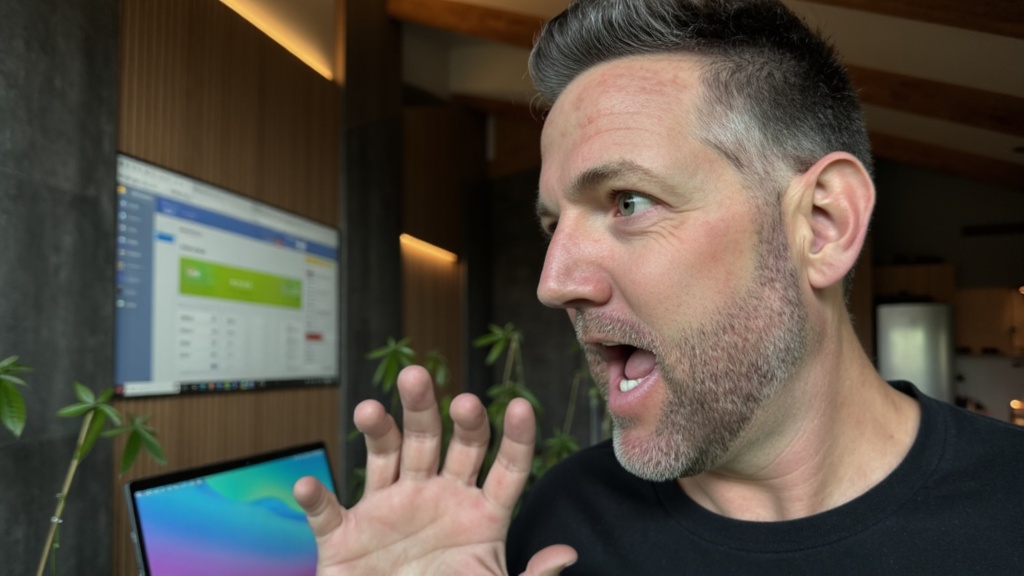
This tool builds the winner from photos of your own face, in the styles that already get clicked on YouTube. Type the title, pick a style, download the thumbnail. I built it for my channel and I am opening it up.
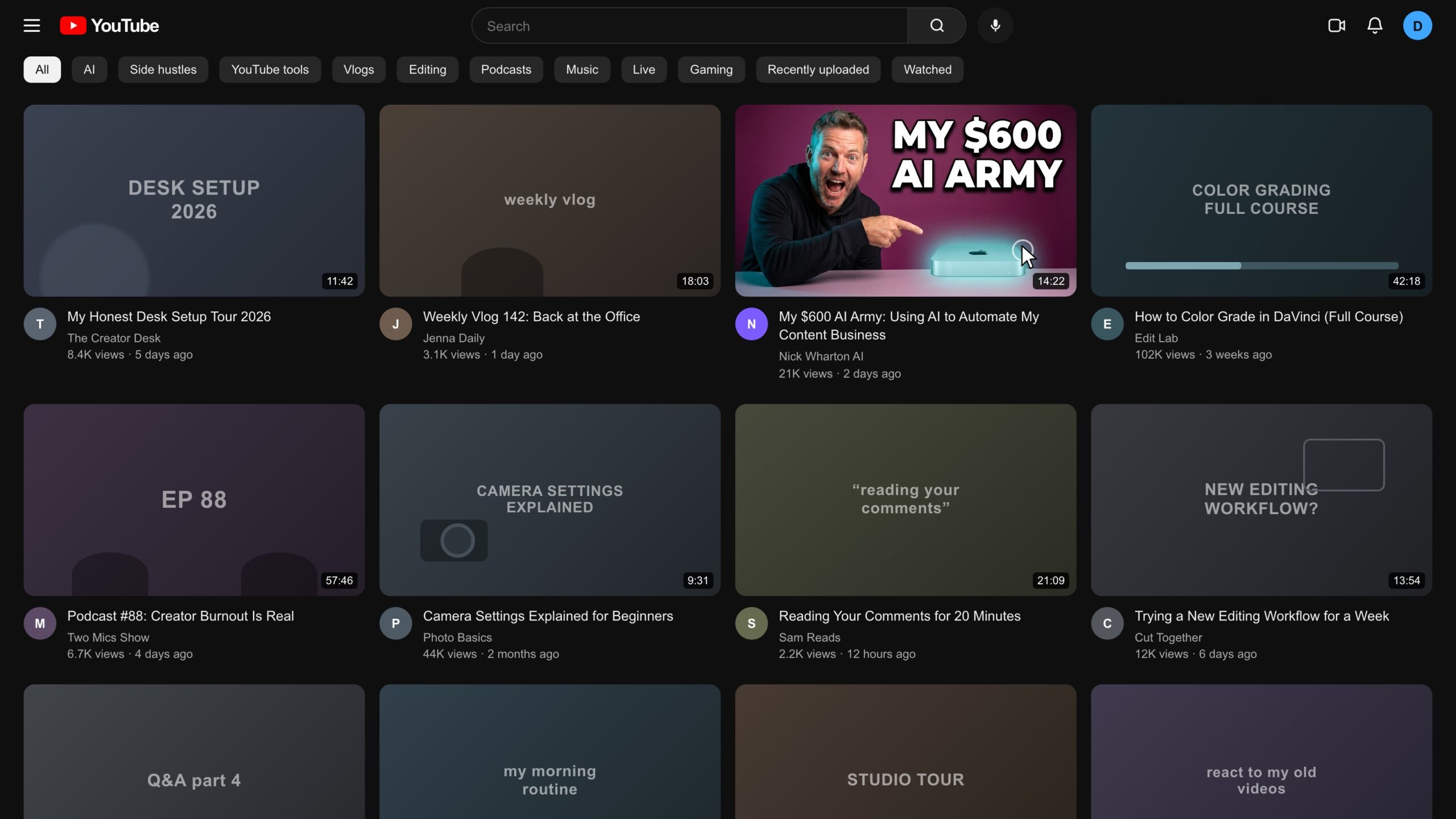
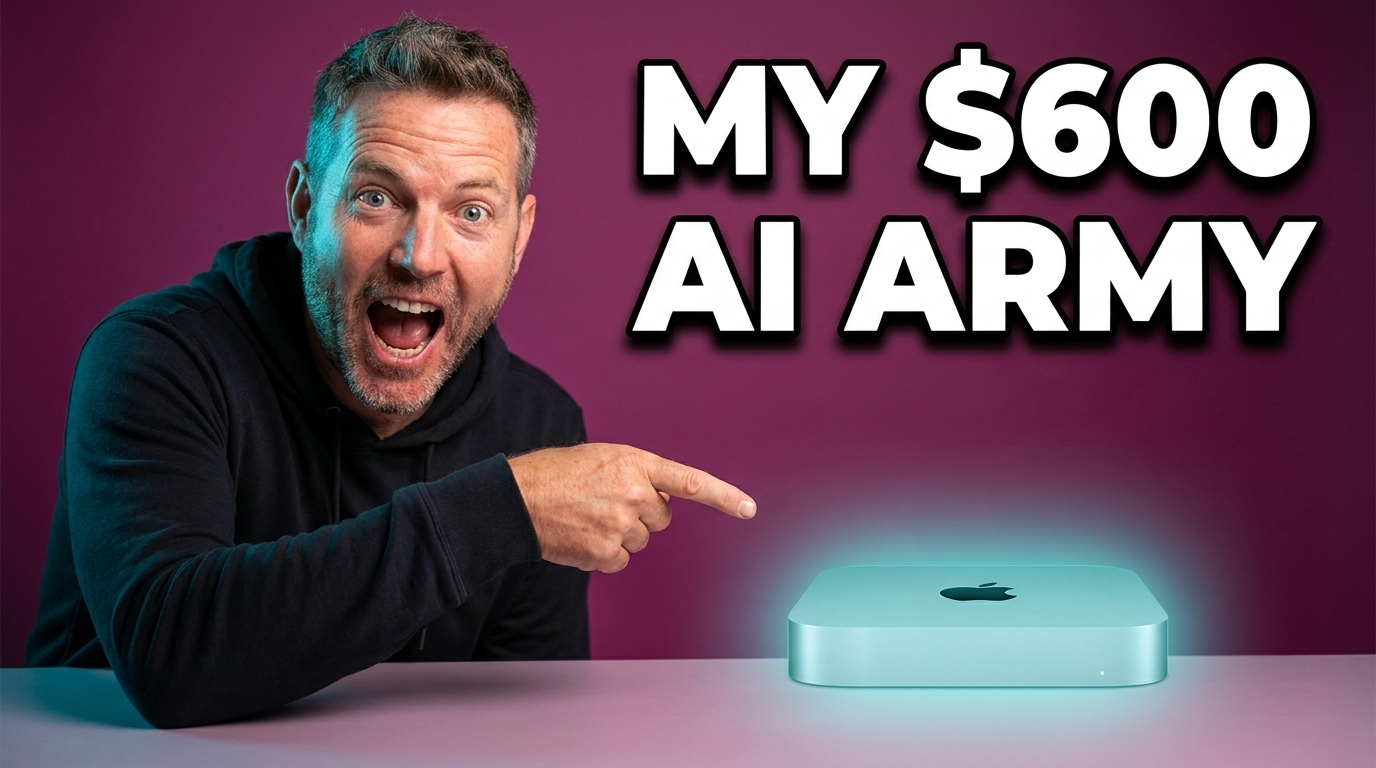
A dark YouTube home feed where a generated thumbnail of Nick pointing at a Mac mini, reading MY 600 DOLLAR AI ARMY, stands out among ordinary videos Made by the tool
The problem

What a thumbnail costs you now.

Until now you had two ways to get one, and both are expensive.

1 hour+
Do it yourself

That is a normal Photoshop or Canva session for one finished thumbnail. A weekly channel does it 52 times a year.

$20 to $50
Pay a designer

The typical rate for one commissioned thumbnail. Good designers book out, and every revision adds a day.

Skipped
And most still lose

Most thumbnails never earn the click. The viewer scrolls past in under a second and all the work inside the video never gets seen.

The click happens at the thumbnail. Spend your hour on the video instead.

The app

This is the actual app.

Every screen below is a screenshot of the working build I use on my own channel.
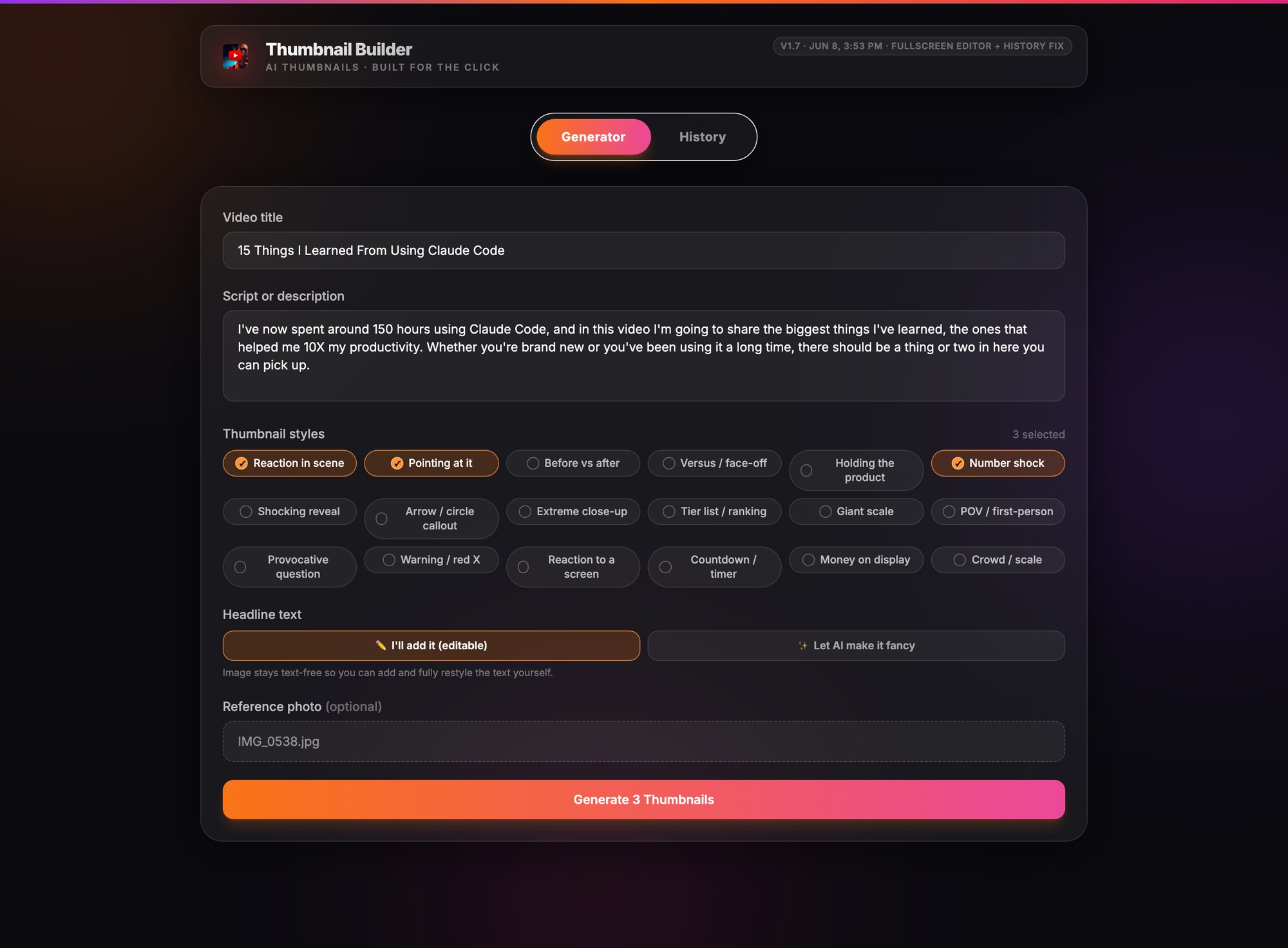
Thumbnail Builder · beta
The real Thumbnail Builder generator screen: video title and script filled in, three styles selected, a face photo attached
Step 01
Your inputs

Type the title, add your face.

Drop in the video title, paste the script, and pick the styles you want from the 18 click patterns. Add a few clear photos of your face and hit generate. That is the whole setup.

Step 02
It does the design work

It builds your options.

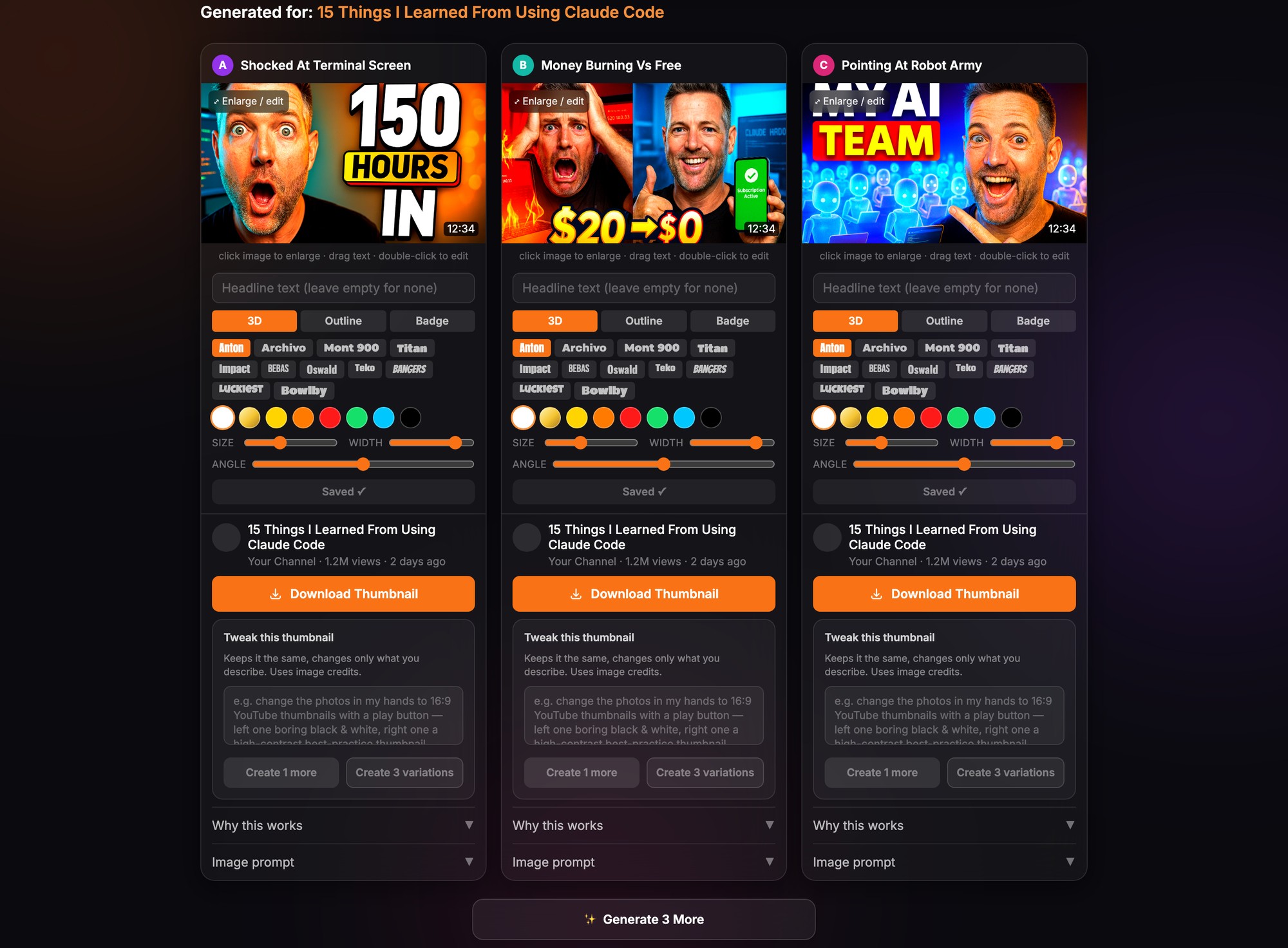
About a minute later you get three finished thumbnails, each a different take on the same video: a shocked reaction, a big number, your finger pointing at the thing. One click adds three more if you want a wider pick.
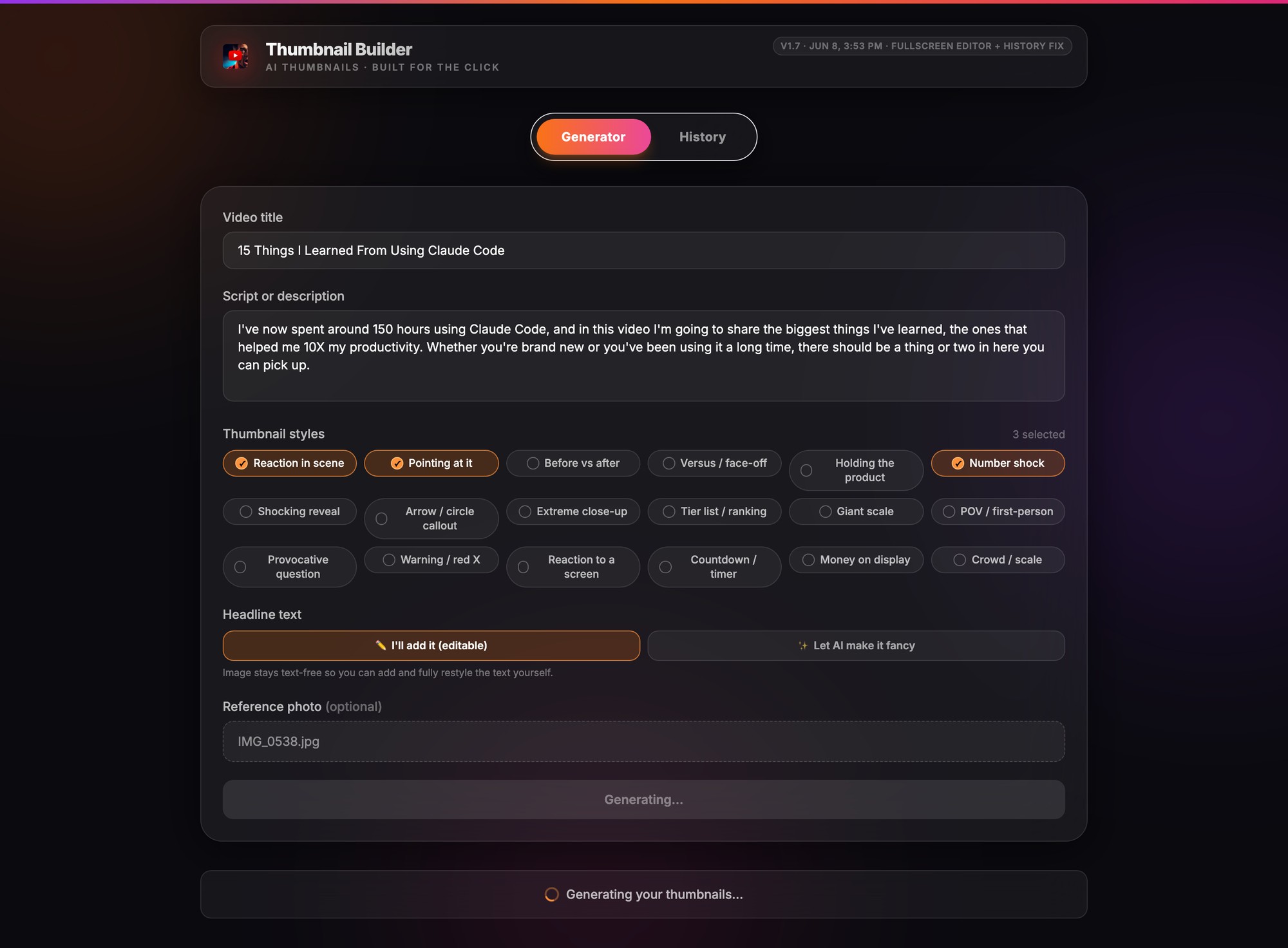
Thumbnail Builder · beta
The real Thumbnail Builder generating state: the form locked and a progress row reading Generating your thumbnails
Thumbnail Builder · beta
The real Thumbnail Builder results grid: three generated thumbnails of Nick with editing controls and Download Thumbnail buttons
Step 03
You stay in control

Pick one, tweak it, download it.

Every option comes with a full editor: swap fonts, drag the headline, change colors, or ask for variations of the one you like. Download gives you the full resolution file, ready for the upload screen.

Where it has to win

Search results, row two.

A thumbnail lives next to everyone else's. This is a generated output on a dark search page against typical results: bold text that reads at stamp size, one face, one message.
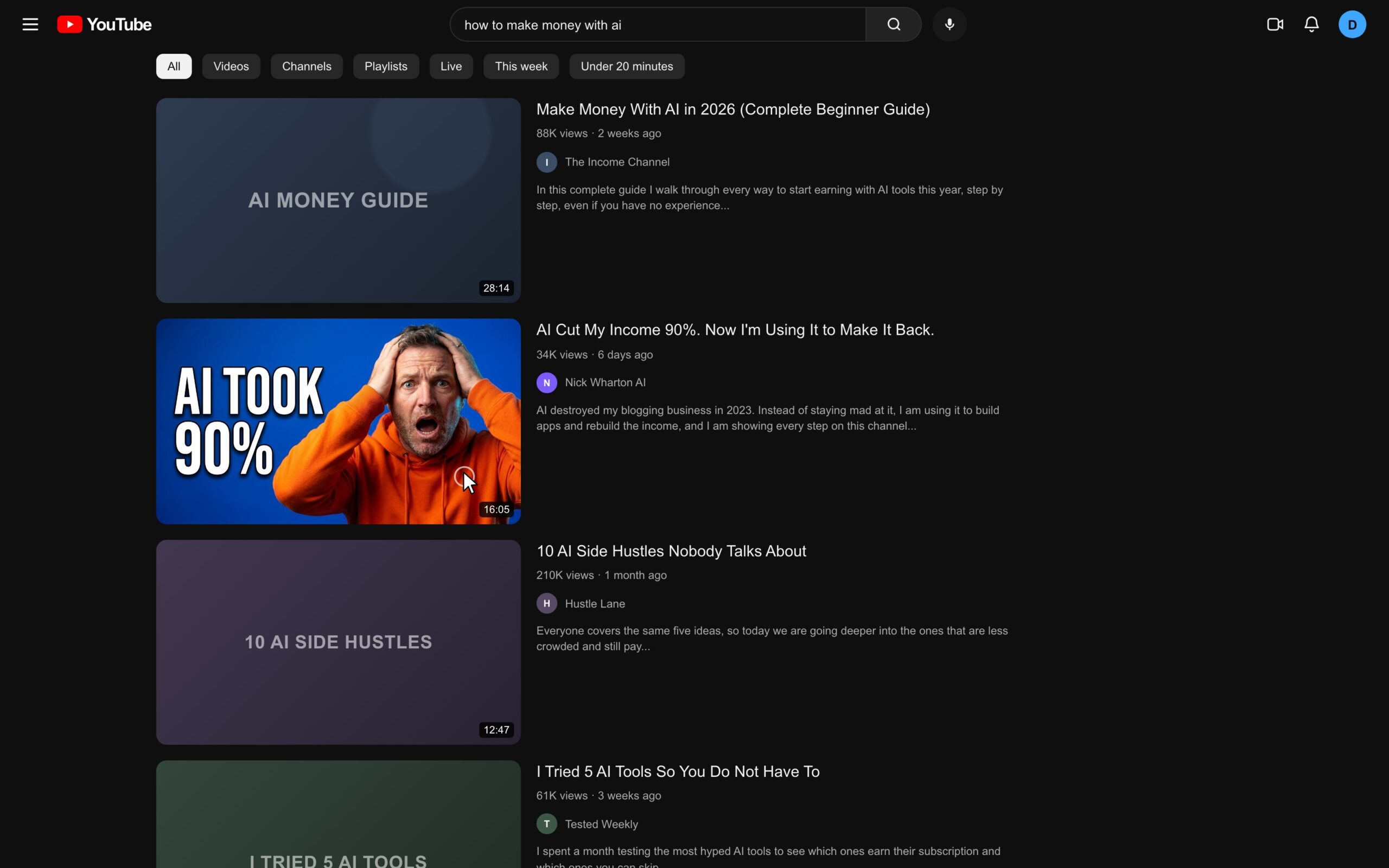
A dark YouTube search results page for how to make money with ai, where Nick's generated AI TOOK 90 PERCENT thumbnail stands out in row two
Generated thumbnail · row 2 Built from three photos of my face Text readable at phone size
The training

Trained on the styles that get clicked.

The bold text, big reaction, high contrast look that creators like MrBeast and Pete McKenna run, baked into 18 patterns. Every cell below is the tool's own output, labeled with the pattern it used.
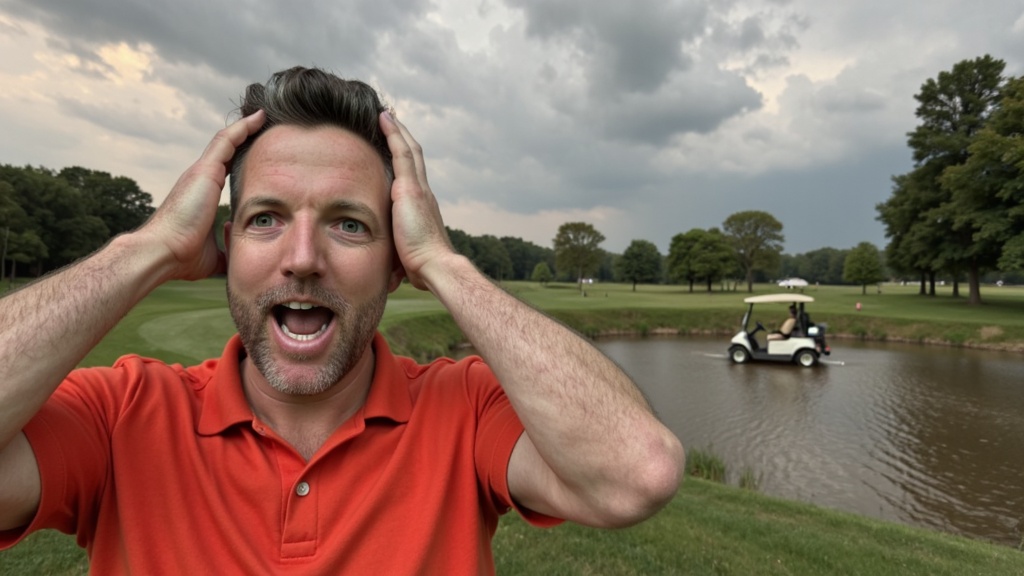
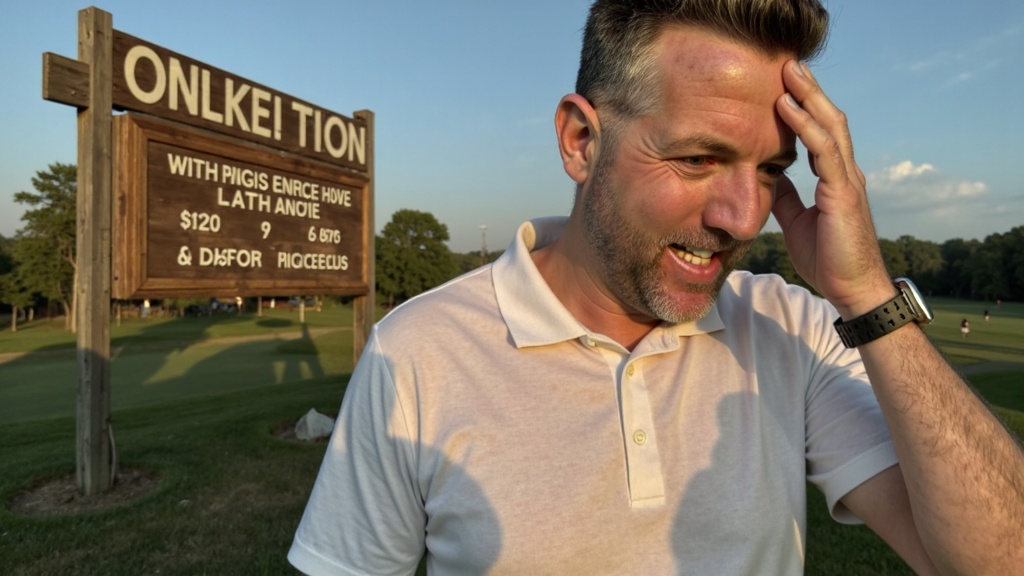
Generated thumbnail: Nick with a shocked face on a golf course
Reaction in scene
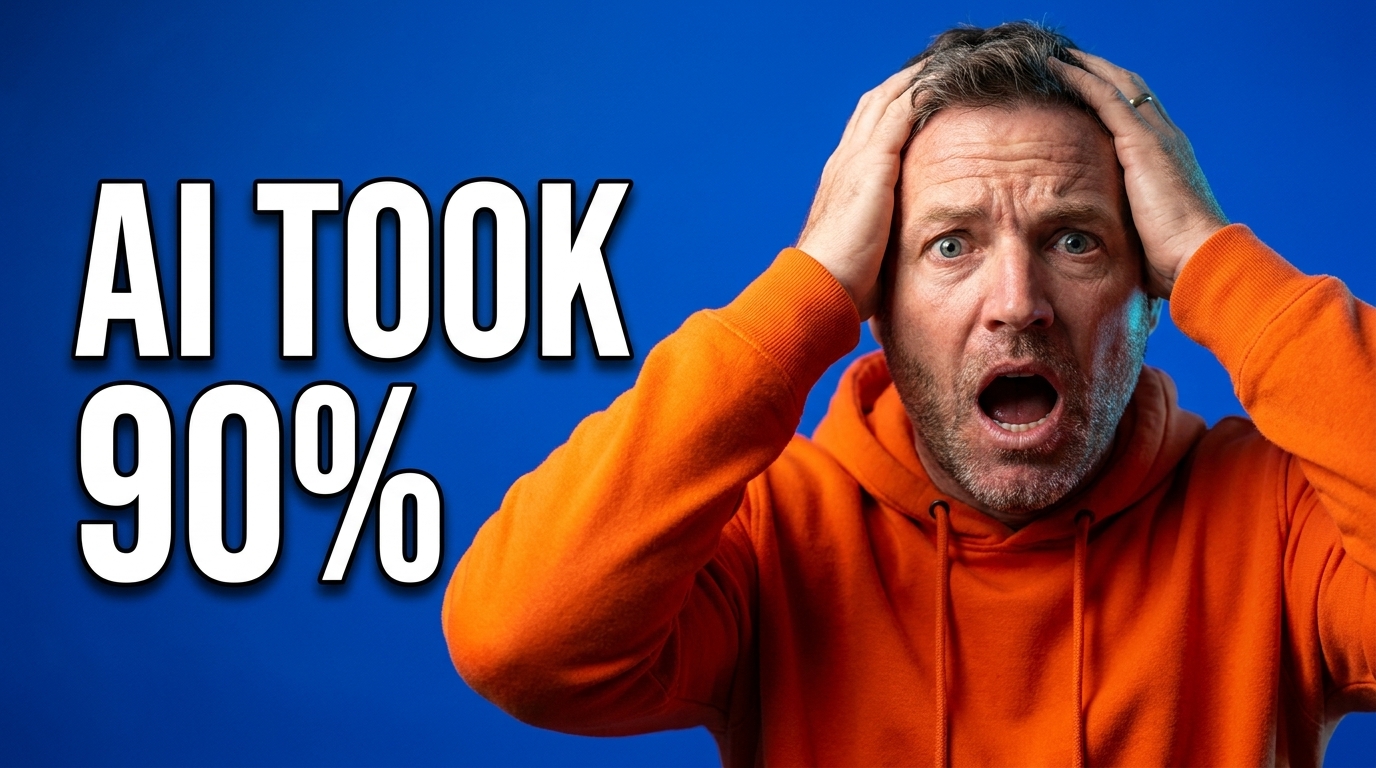
Generated thumbnail: Nick with hands on his head next to bold text AI TOOK 90 PERCENT
Number shock
Generated thumbnail: two options facing off with a versus mark
Versus face-off
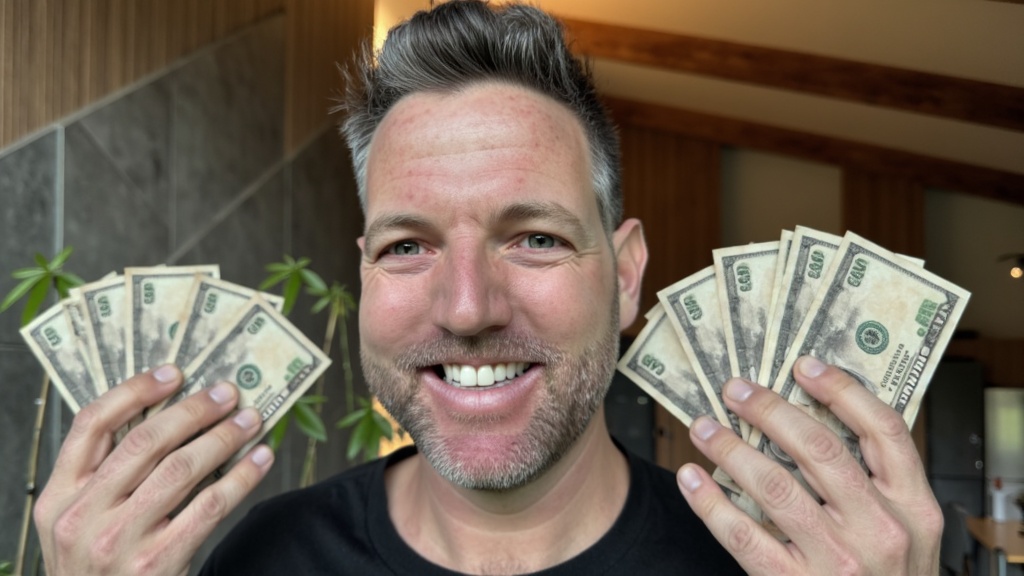
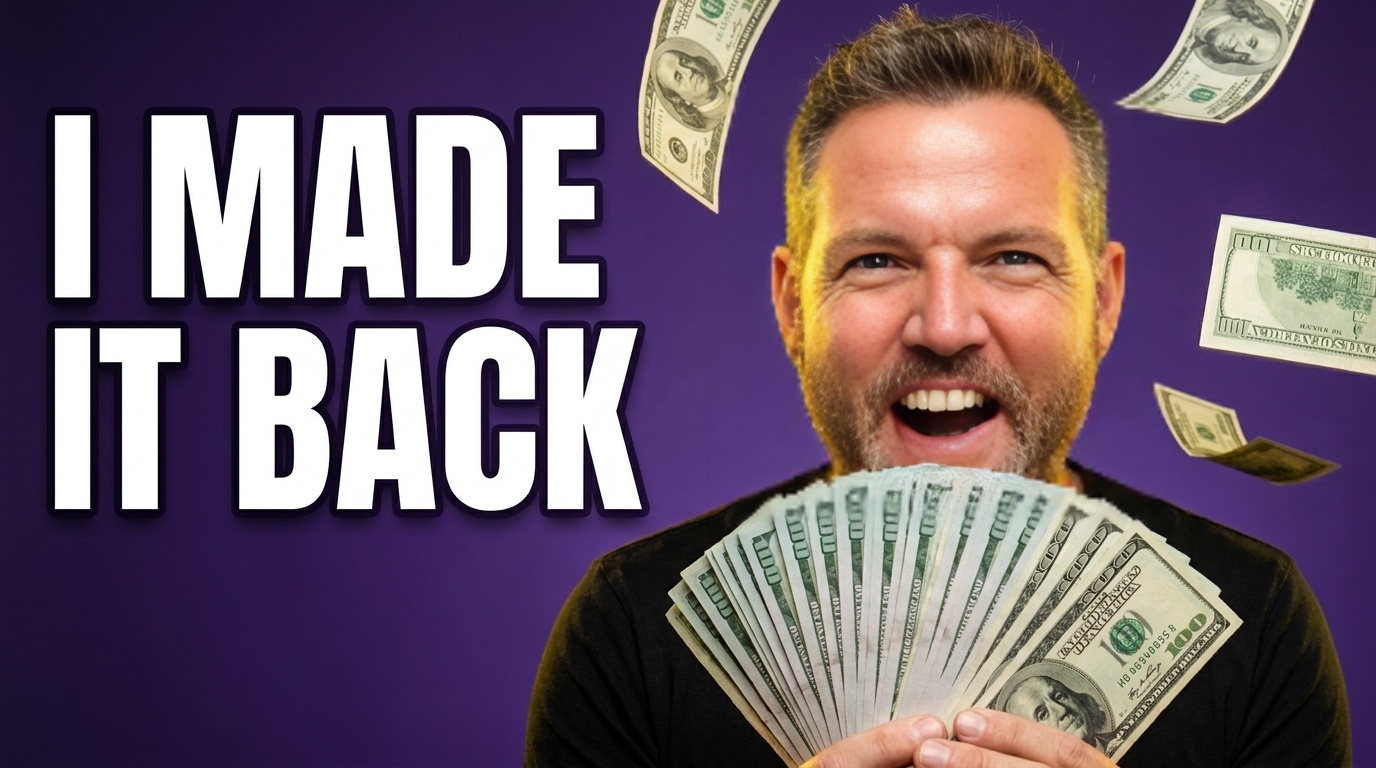
Generated thumbnail: Nick holding two fans of cash
Money on display
Generated thumbnail: Nick pointing at a Mac mini with text MY 600 DOLLAR AI ARMY
Pointing at it
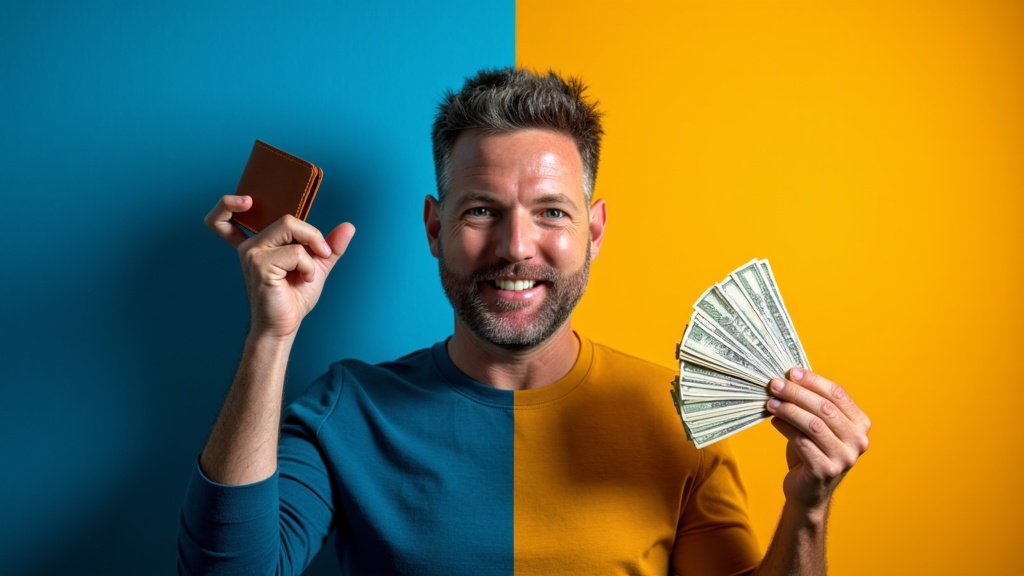
Generated thumbnail: split background with a before and after contrast
Before vs after
Arrow calloutTier listGiant scalePOVProvocative questionWarning red XScreen reactionCountdownCrowd scaleExtreme close-upShocking revealHolding the product
The output

The tool made every one of these.

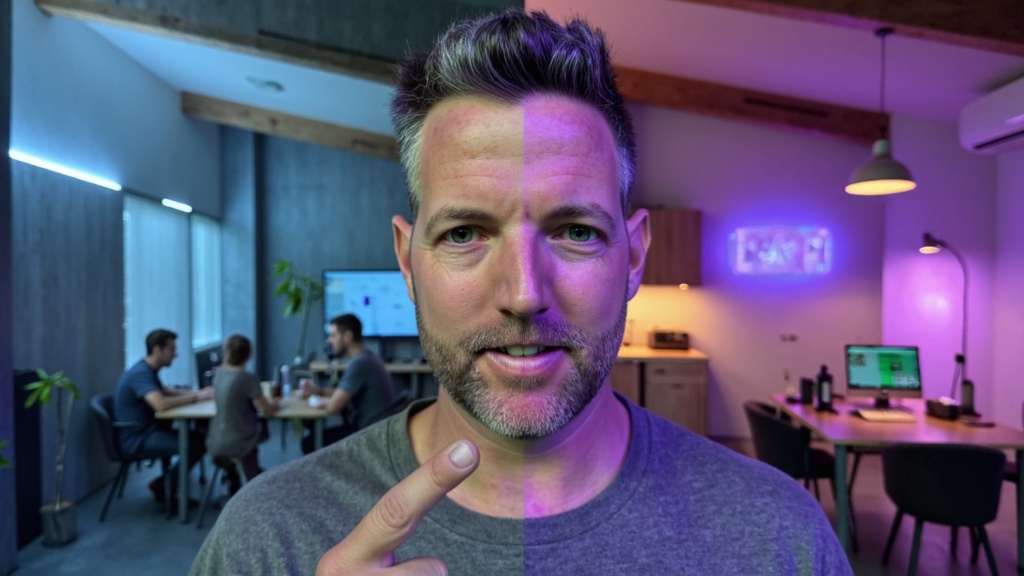
Each one started as a plain photo of me. No designer touched them.
Join the waitlist

Be first to use it.

It is in beta now. Get on the list and I'll email you the moment it opens up, before it goes public.

You're on the list. I'll email you the moment it opens.
No spam. One email when it opens. Unsubscribe anytime.
Questions

The questions I keep getting.

No. You upload photos of your face and pick the thumbnail you like. The tool handles the design, the text, and the layout.
A handful of clear, well-lit close-ups of your face, from a few angles. The better the photos, the more the thumbnails look like you.
Yes. That is the point. It builds from your own photos, so the person in the thumbnail is you. Viewers who know your channel recognize you in the feed.
Yes. The interface shots are screenshots of the working app, and every thumbnail on this page is an output it generated from photos of my face.
Pricing is not set yet while it is in beta. Join the waitlist and you'll be the first to know, with early access before it goes public.
Soon. It works today in beta and I'm opening it up to the waitlist first. Get on the list and I'll send you an invite.