Beta · Join the waitlist
YouTube Uploader

Publish a fullyoptimized video inone command.

Every upload still needs a title, a description, chapters, tags, a thumbnail, and the cards. By hand that runs about 90 minutes per video. This writes all of it from the finished file, fills every Studio field, and publishes.
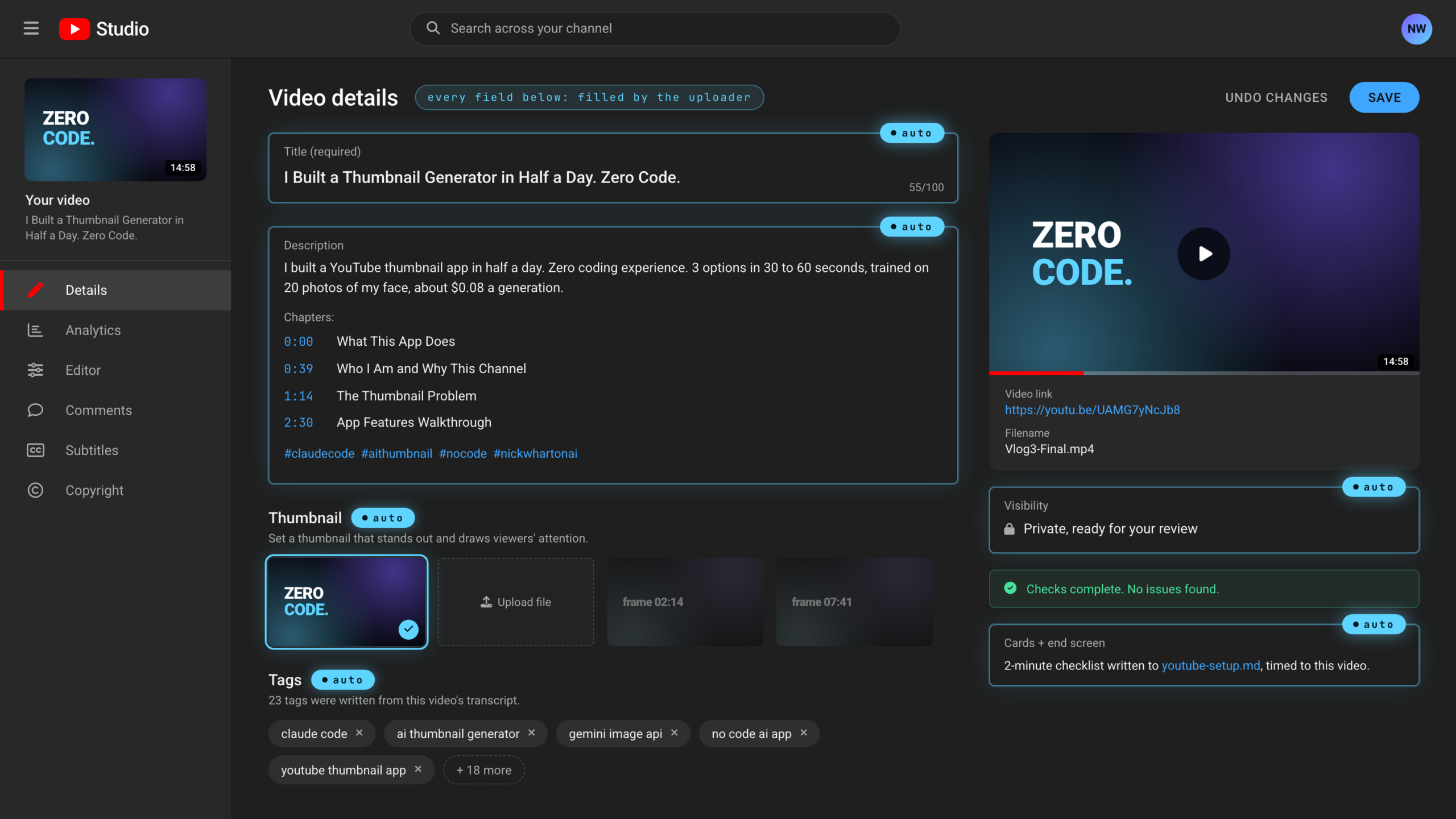
YouTube Studio video details screen with the title, description, chapters, tags, thumbnail and visibility already filled in by the uploader, each marked with a cyan auto badge Real output
The problem

The edit ends. The admin starts.

Finishing the video is the fun part. Then YouTube Studio still needs a title, a description, chapters, tags, a thumbnail, cards, and an end screen. Here is what that costs a typical creator, step by step.

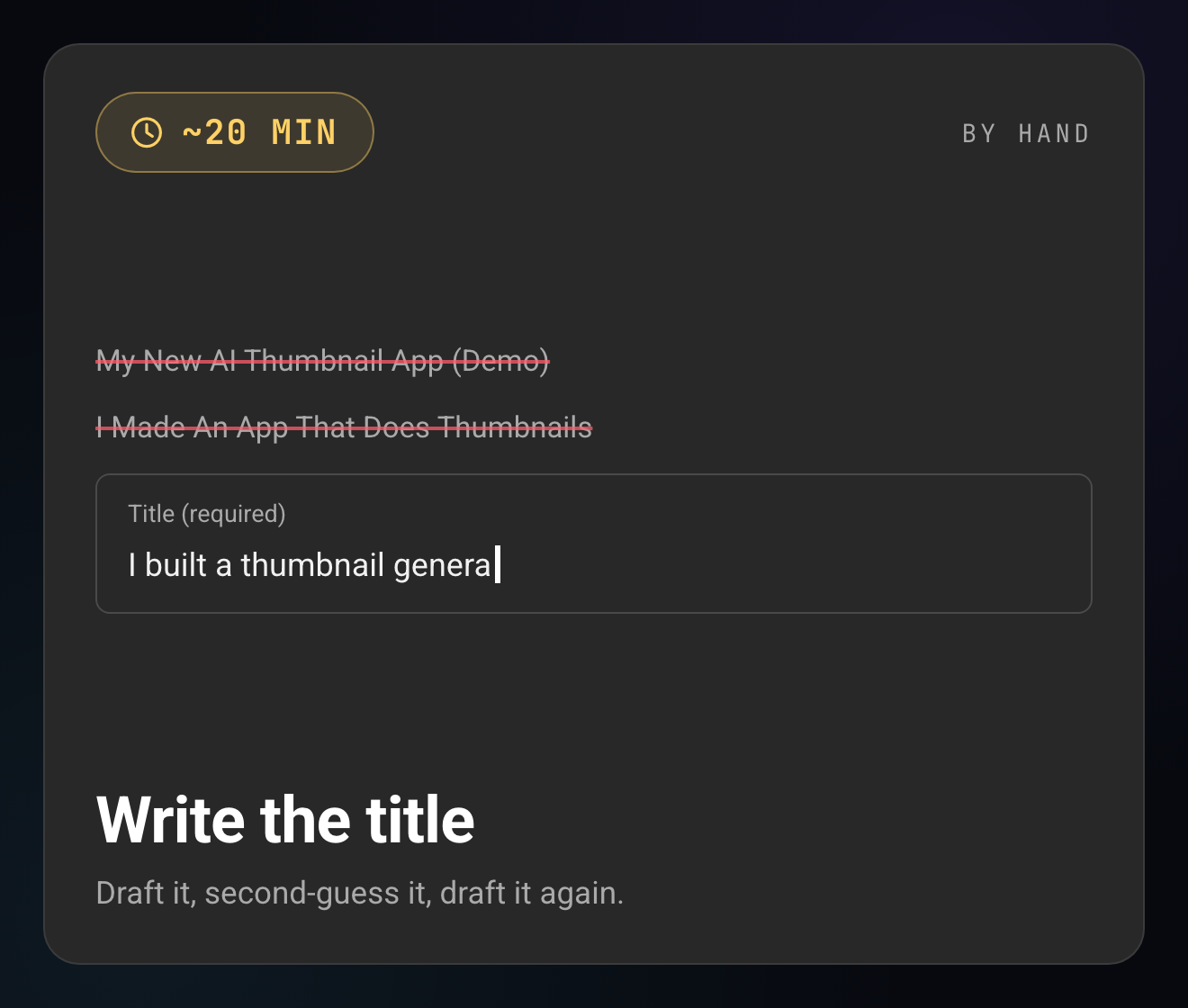
Studio title field half typed, with a clock chip showing about 20 minutes by hand
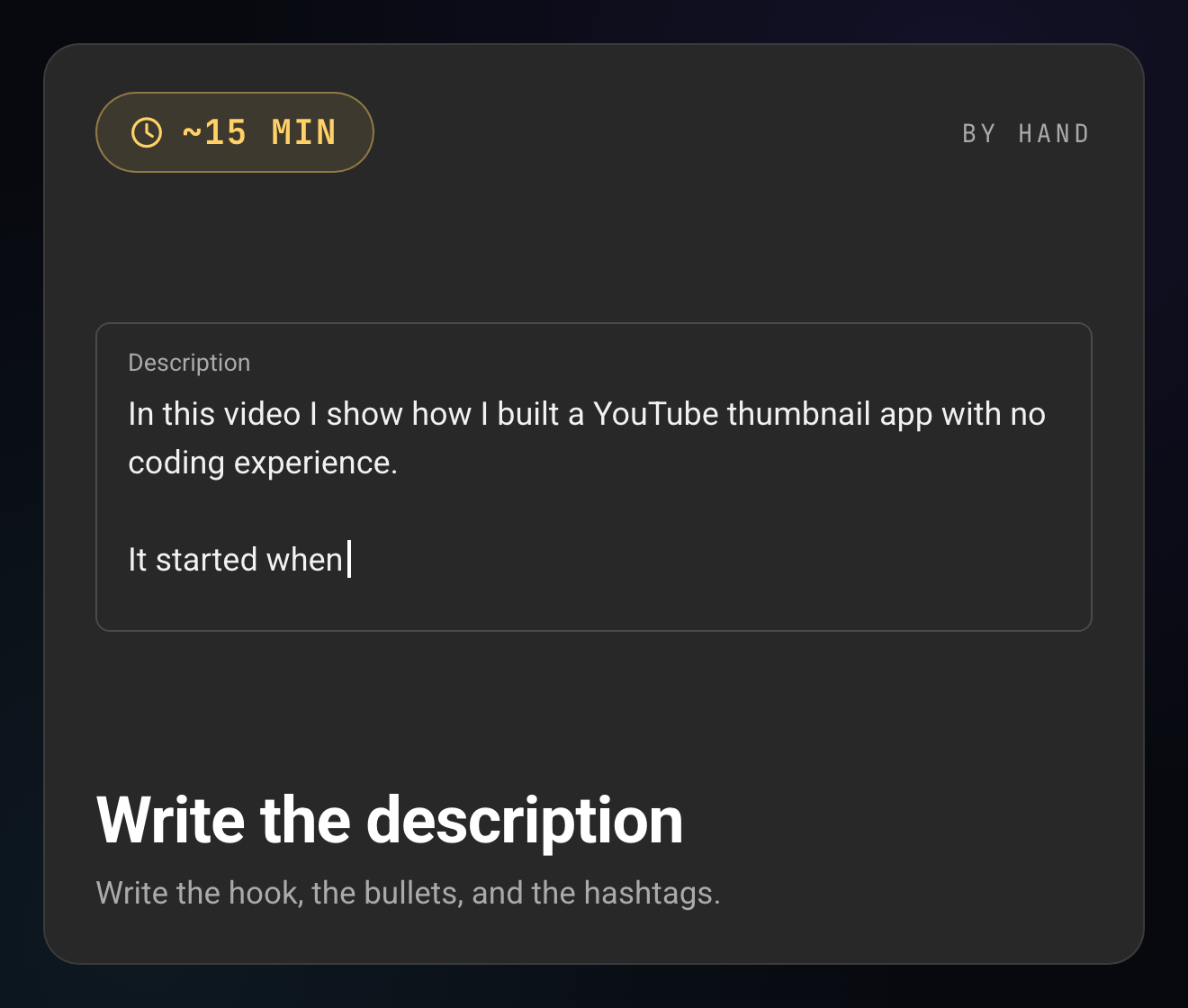
Studio description box being written, with a clock chip showing about 15 minutes by hand
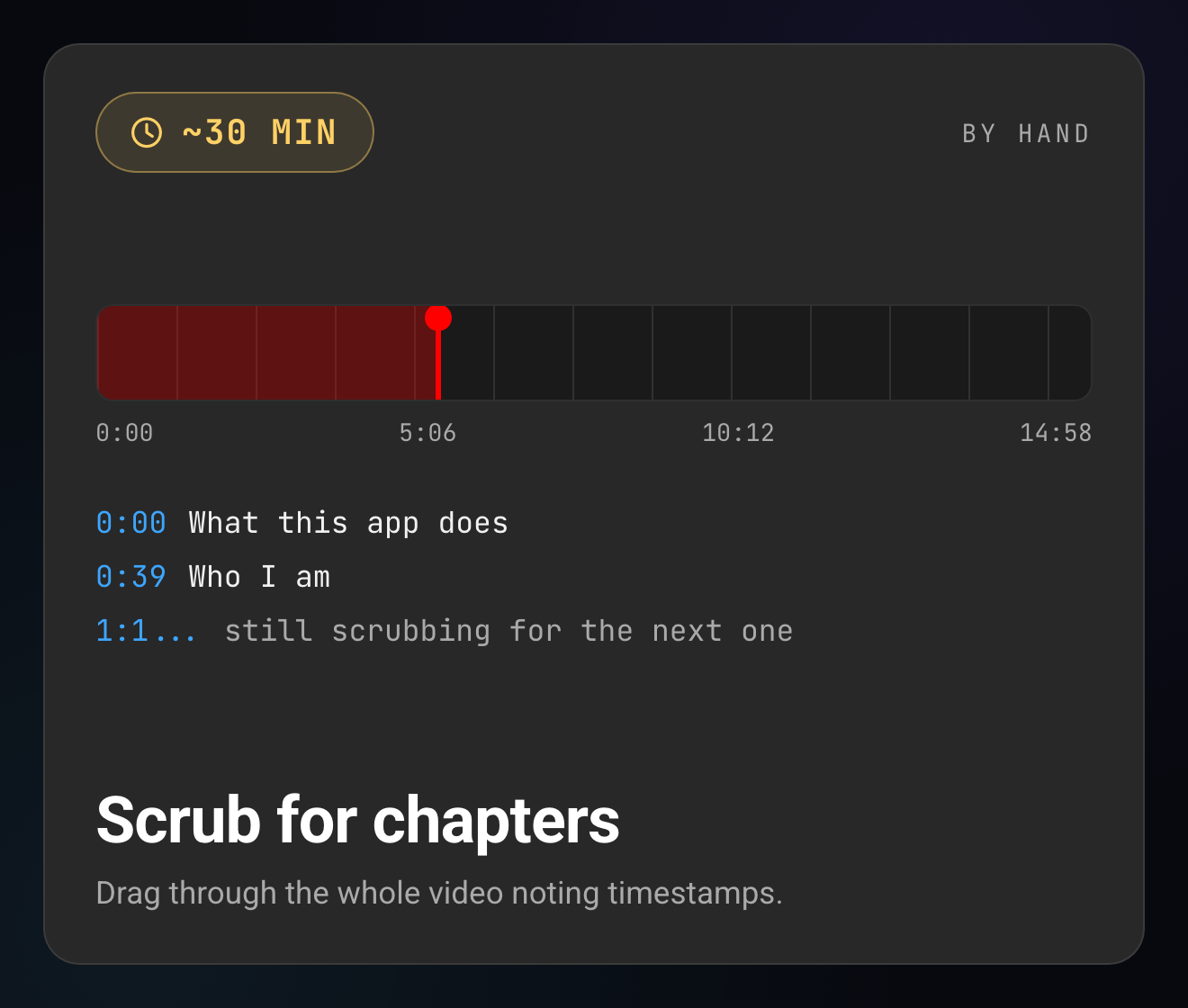
A video scrubber and a half-finished timestamp list, with a clock chip showing about 30 minutes by hand
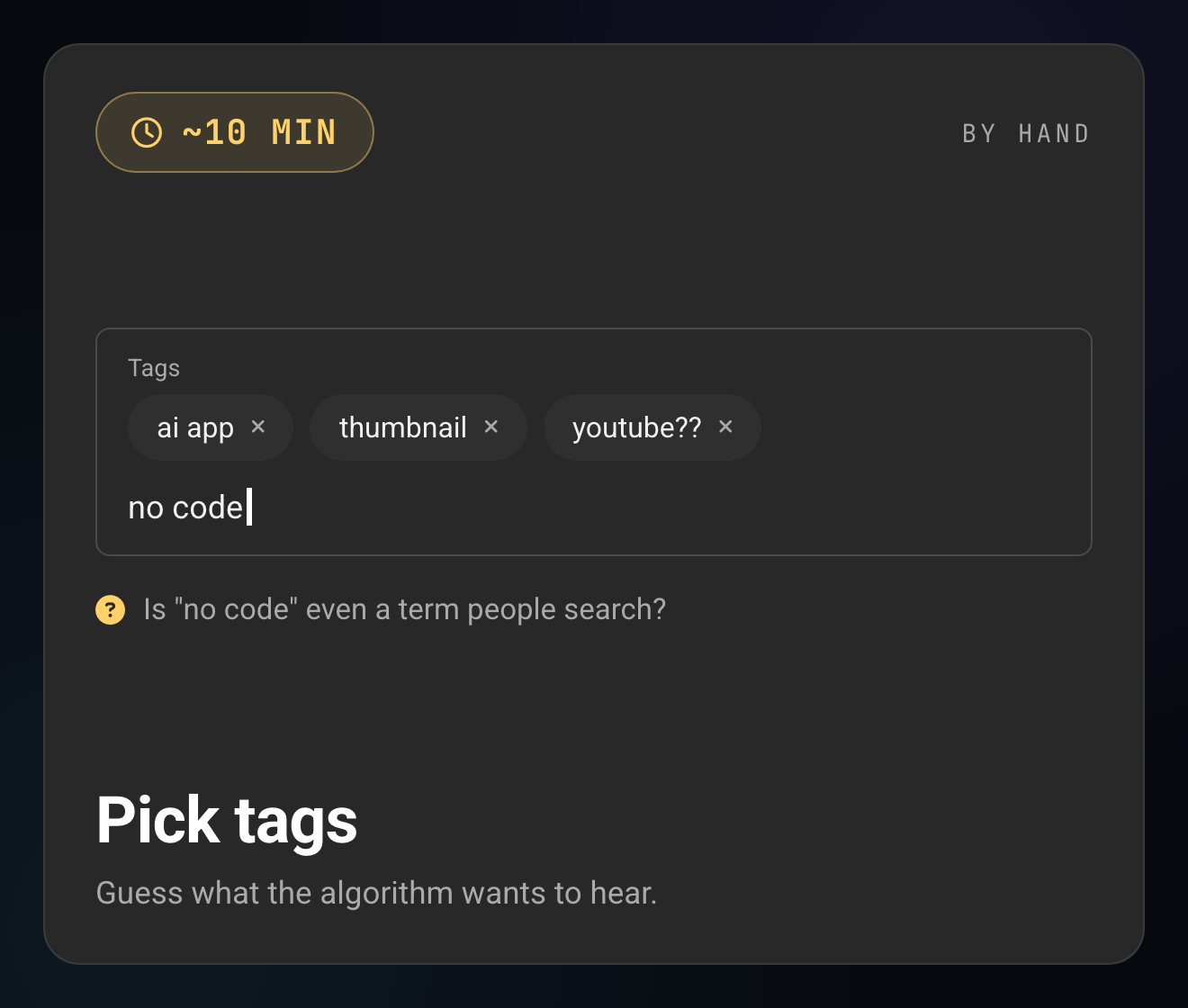
A Studio tags field with guessed tags, with a clock chip showing about 10 minutes by hand
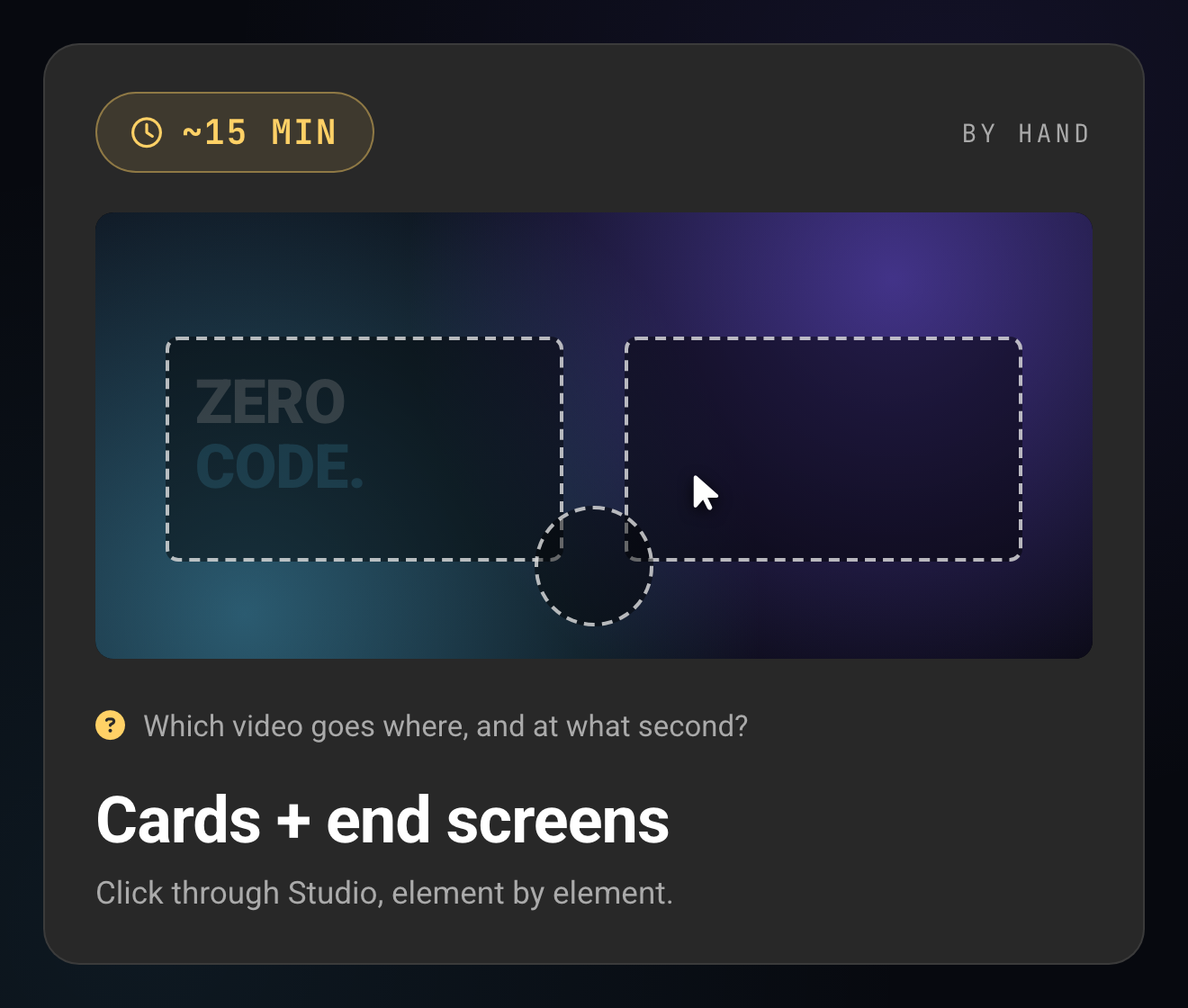
The Studio end-screen editor mid-click, with a clock chip showing about 15 minutes by hand
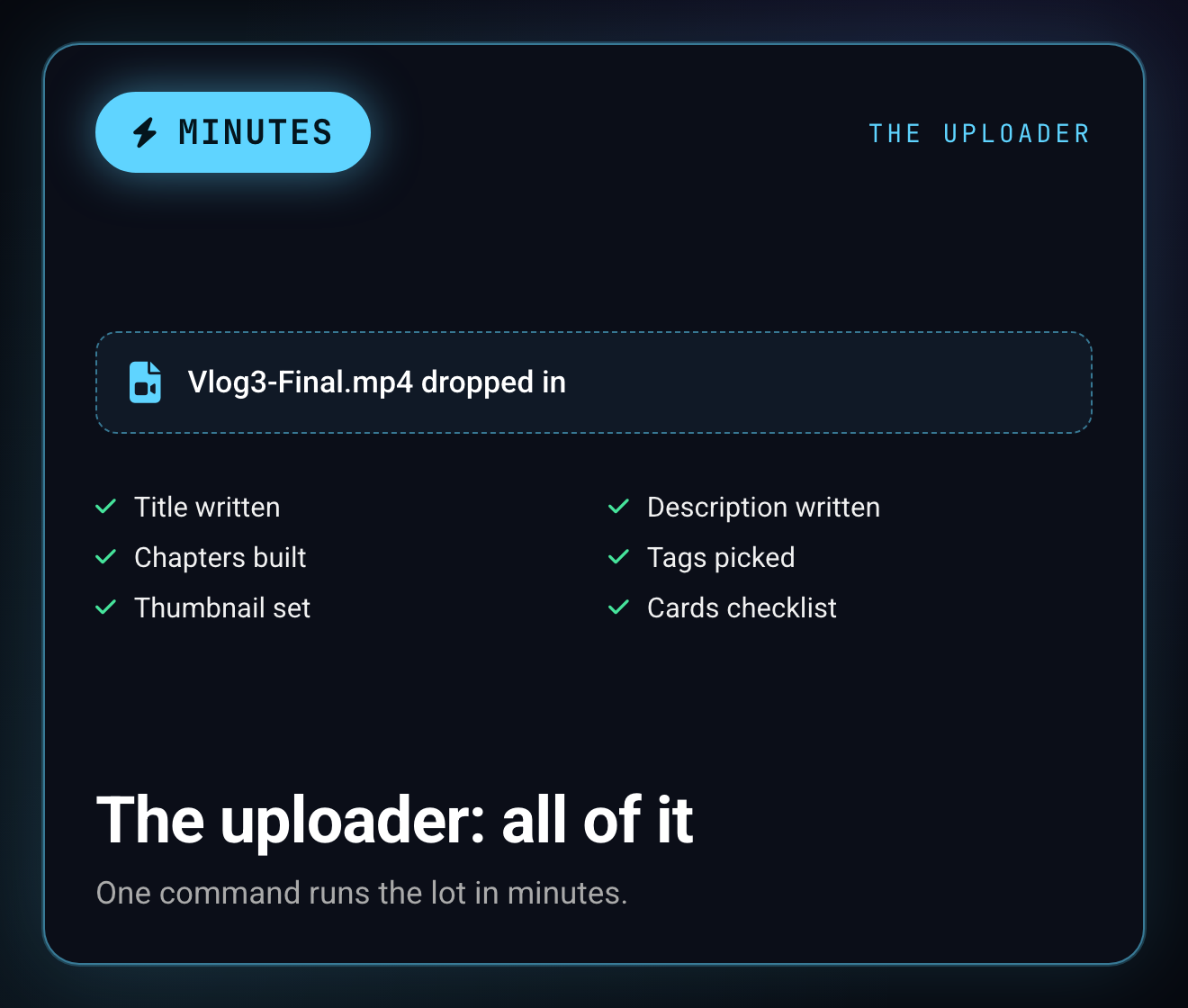
The uploader card: file dropped in, every item checked, one command runs the lot in minutes

Typical creator estimates, per upload: that's about 90 minutes of admin between the finished edit and pressing publish.
What it writes for you

Every Studio field, filled before you open it.

It transcribes the finished video, works out what the episode is about, and writes each field from the actual words you said. The screens below show real output from a real upload on the channel.

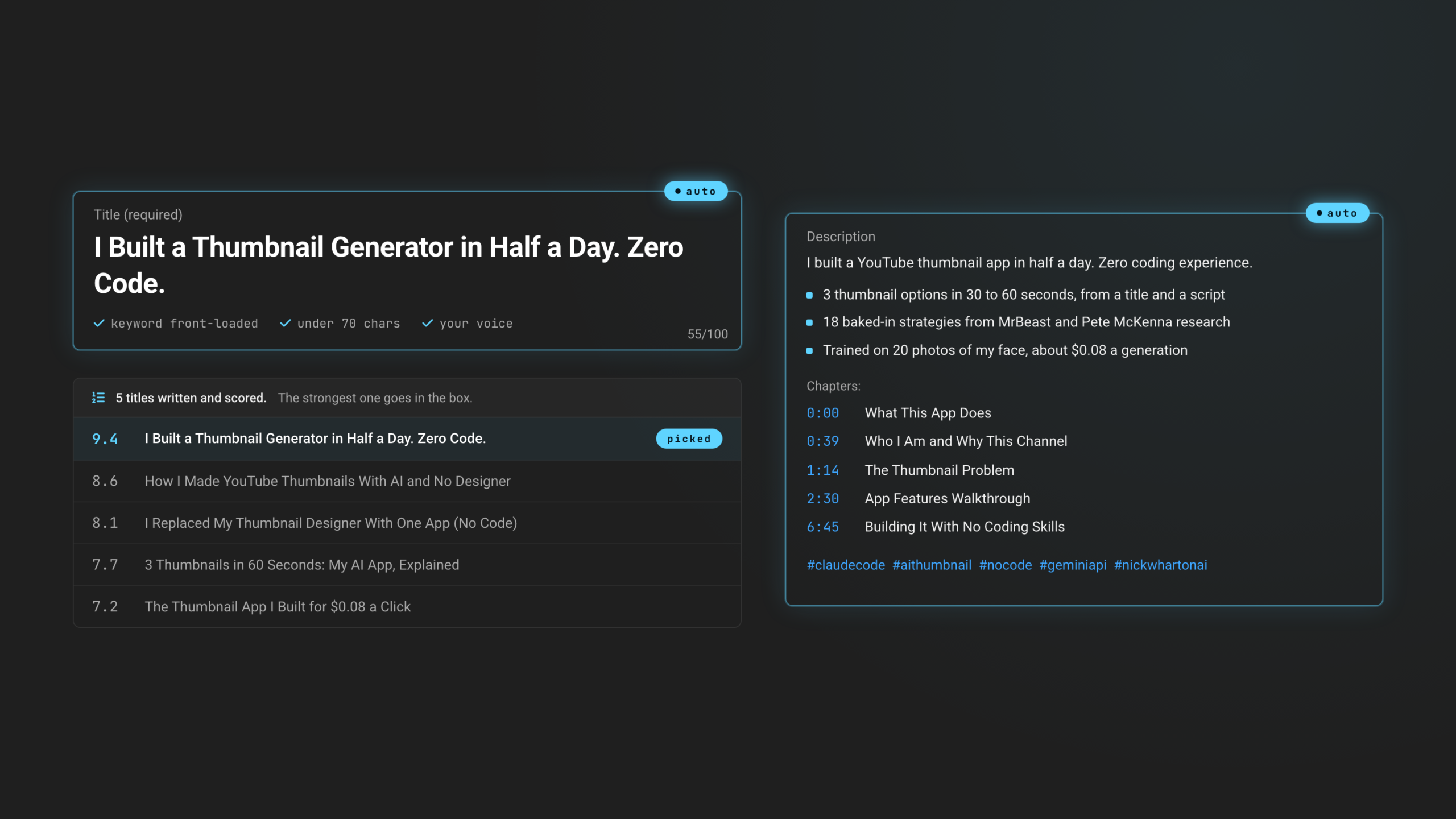
Studio title and description fields filled by the uploader, with five scored title options and the strongest one picked
Title + description

A title built to get the click, in your voice.

It reads the actual video, then writes a title that front-loads the keyword, fits in 70 characters, and uses one capital word for emphasis, the way your channel already does. Then a full description with a hook, the concrete points, and hashtags.

  • Five titles generated and scored, best one picked
  • Description with a hook, real bullets, and hashtags
  • No hype words, no em dashes, matches your past videos
Chapters, tags, thumbnail

Timestamps, tags, and the thumbnail, set for you.

It groups the video into 6 to 12 chapters with the first at 0:00, the way YouTube wants them. It writes video-specific tags weighted the way the algorithm reads them. And it grabs a clean frame and sets it as the thumbnail on upload.
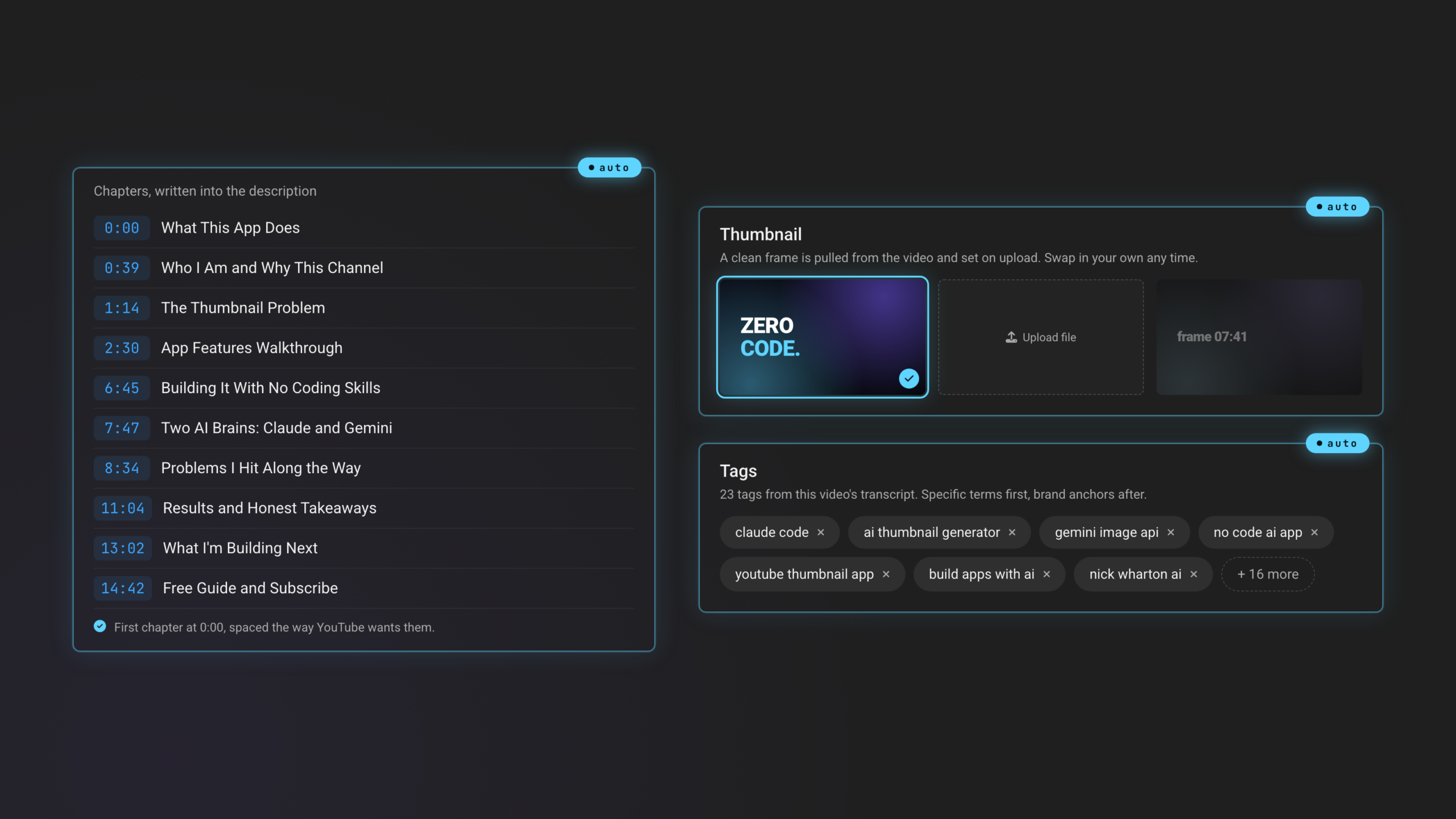
  • Chapters spaced and labeled to YouTube rules
  • Tags specific to this video, brand anchors after
  • Thumbnail frame pulled and set automatically
Chapter timestamps, the set thumbnail, and 23 generated tags shown as filled Studio fields with auto badges
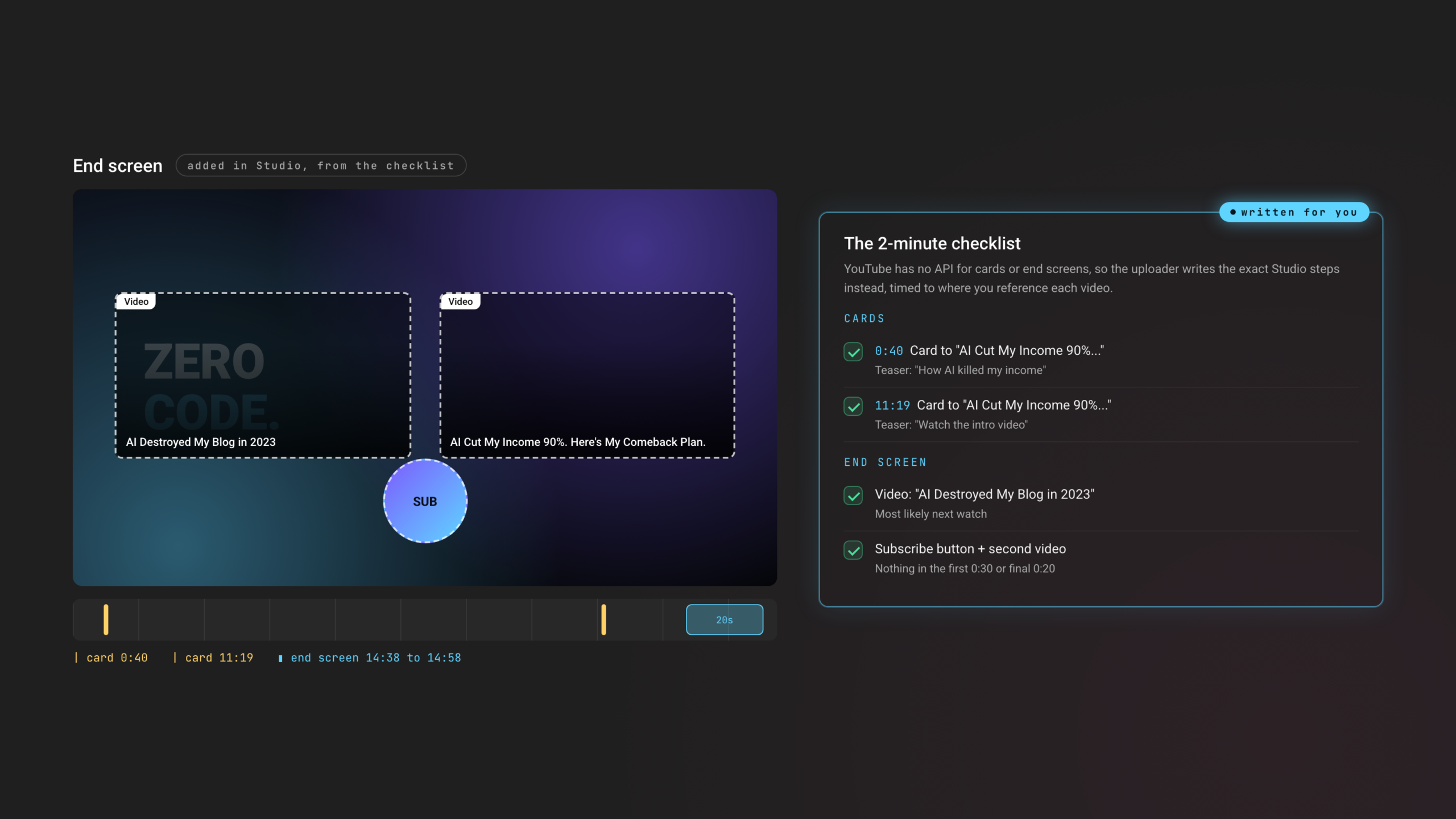
The Studio end-screen editor beside the generated 2-minute cards and end-screen checklist with real timestamps
The bits YouTube won't let an app touch

A cards + end-screen checklist, timed and written.

YouTube has no API for cards or end screens, so most tools skip them. This writes the exact Studio checklist instead: which past video to link, at what second, with the teaser text, plus the end-screen layout. About two minutes of clicking, fully spelled out.

  • Cards timed to where you actually reference each video
  • Nothing in the first 0:30 or final 0:20
  • End screen picks your most-likely next watch
Before / after

Hand it the upload. Keep your morning.

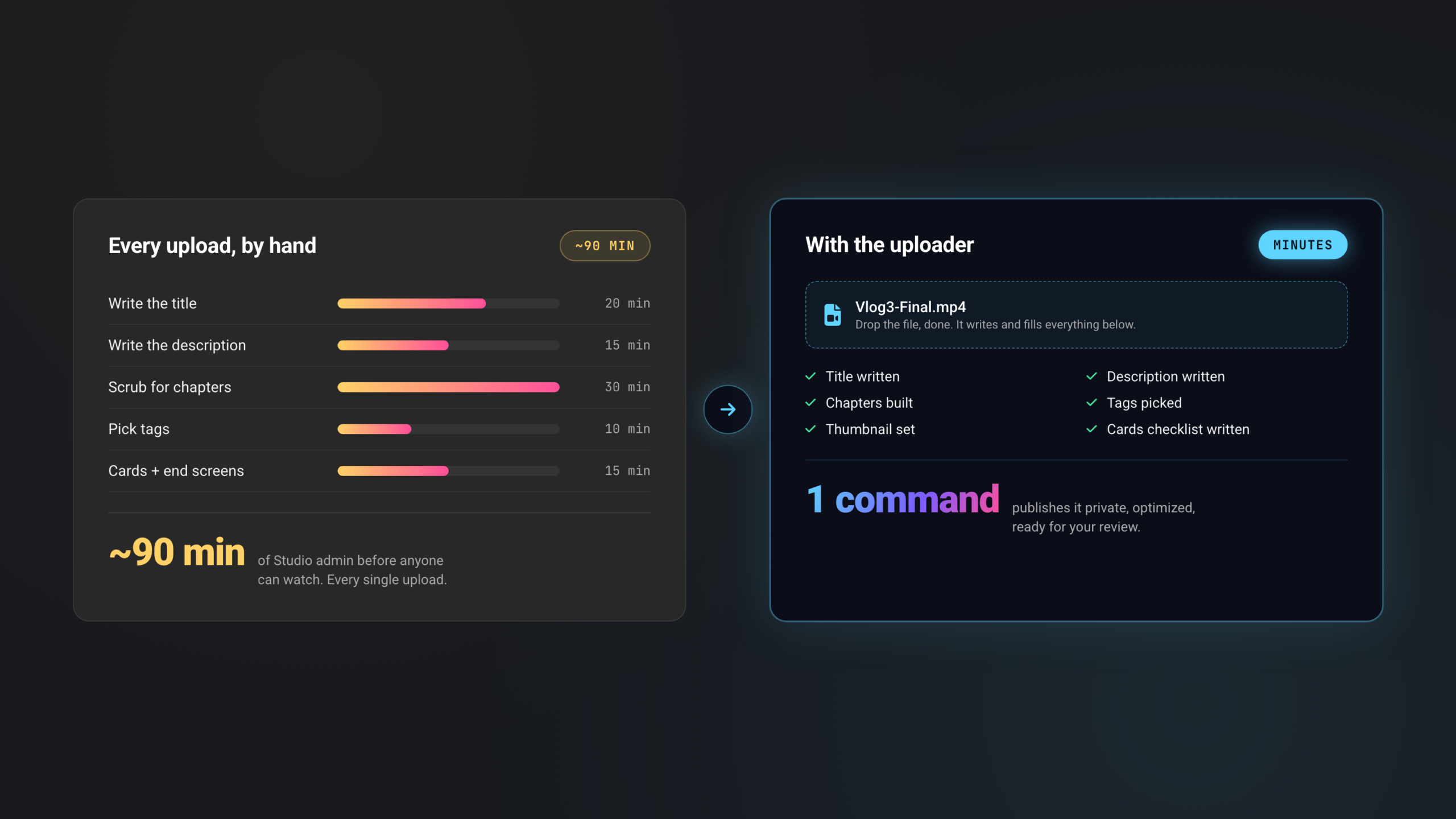
The same five jobs, two ways. One of them is a command you run once.
Every upload, by hand~90 min
Write the title20 min
Write the description15 min
Scrub for chapters30 min
Pick tags10 min
Cards + end screens15 min
~90 minof Studio admin before anyone can watch. Every single upload.
With the uploaderminutes
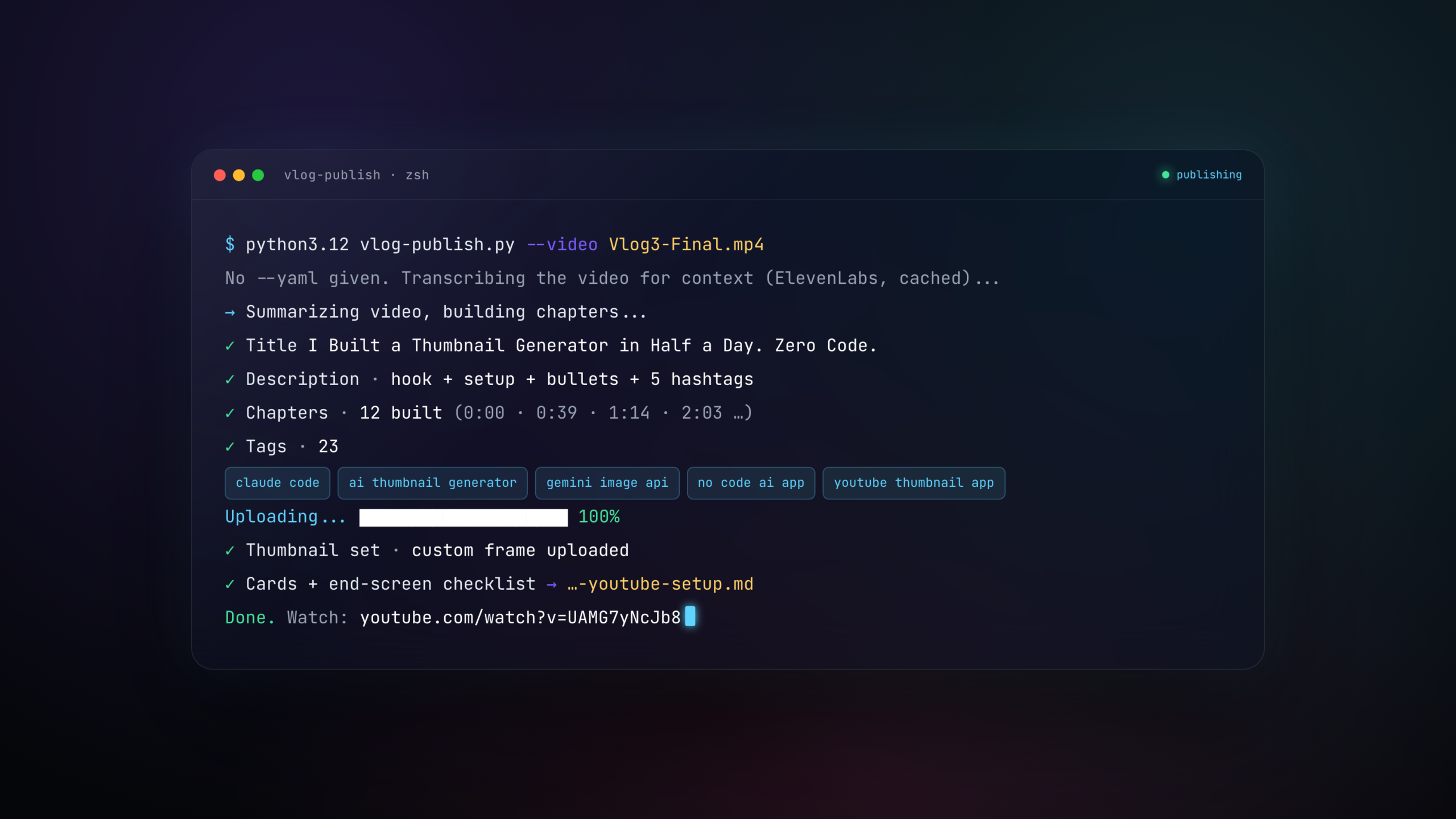
The single publish command running: title generated, chapters built, thumbnail set, checklist written

Drop the file, done.

Title writtenDescription writtenChapters builtTags pickedThumbnail setCards checklist written
How it works

Hand it the video. It does the rest.

01

Drop in the finished video

Point it at the cut file. No title, no description, no notes. One command and you walk away.

02

It transcribes and writes everything

It transcribes the video itself, works out what the episode is actually about, and writes the title, description, chapters, and tags from that.

03

Published, optimized, with a checklist

The video goes up as a private draft with every Studio field filled and the thumbnail set, plus a short checklist for the cards and end screen. Review, hit publish, done.

What it writes

Real output. From a real upload.

The title, chapters, tags, and card timings below came from publishing an actual video on the channel. The Studio screens show what lands in your account.
The auto-filled YouTube Studio video details screen
Title and description written by the uploader
Chapters, thumbnail and tags filled by the uploader
End screen editor and the generated cards checklist
90 minutes of upload admin by hand versus drop the file, done
The one publish command
~90
Minutes of upload admin by hand, typical
1
Command to publish
0
Studio fields you fill yourself
Beta
Open soon to the list

The per-step minutes are typical creator estimates, and mine usually ran longer. Multiply by every video you'll ever publish and that's the time this hands back.

Join the waitlist

Be first to use it.

It is in beta now. Get on the list and I'll email you the moment it opens up, before it goes public.

You're on the list. I'll email you the moment it opens.
No spam. One email when it opens. Unsubscribe anytime.
Questions

Quick answers. No fine print.

By hand, the title, description, chapters, tags, thumbnail, and cards run about 90 minutes per upload for a typical creator. The uploader writes and fills all of that in a few minutes while you do something else. The cards checklist is the only manual part left, about two minutes of clicking.
No. That is the whole point. It transcribes the video, works out what it's about, and writes the title, description, chapters, and tags for you. You review and tweak, you don't start from a blank box.
Yes. It generates several titles, scores them against current YouTube best practices and your past titles, and picks the strongest one, in your voice, with no hype words.
It grabs a clean frame from the video and sets that as the thumbnail on upload. If you make thumbnails separately, you can swap yours in. The two tools are built to work together.
YouTube has no API for those, so nothing can set them automatically. Instead the tool writes the exact Studio checklist: which video to link, at what second, with the teaser text. It's about two minutes of clicking.
No. It uploads as a private draft with everything filled in. You review the title, description, and chapters, do the quick cards checklist, then publish when you're ready.
Pricing is not set yet while it is in beta. Join the waitlist and you'll be the first to know, with early access before it goes public.