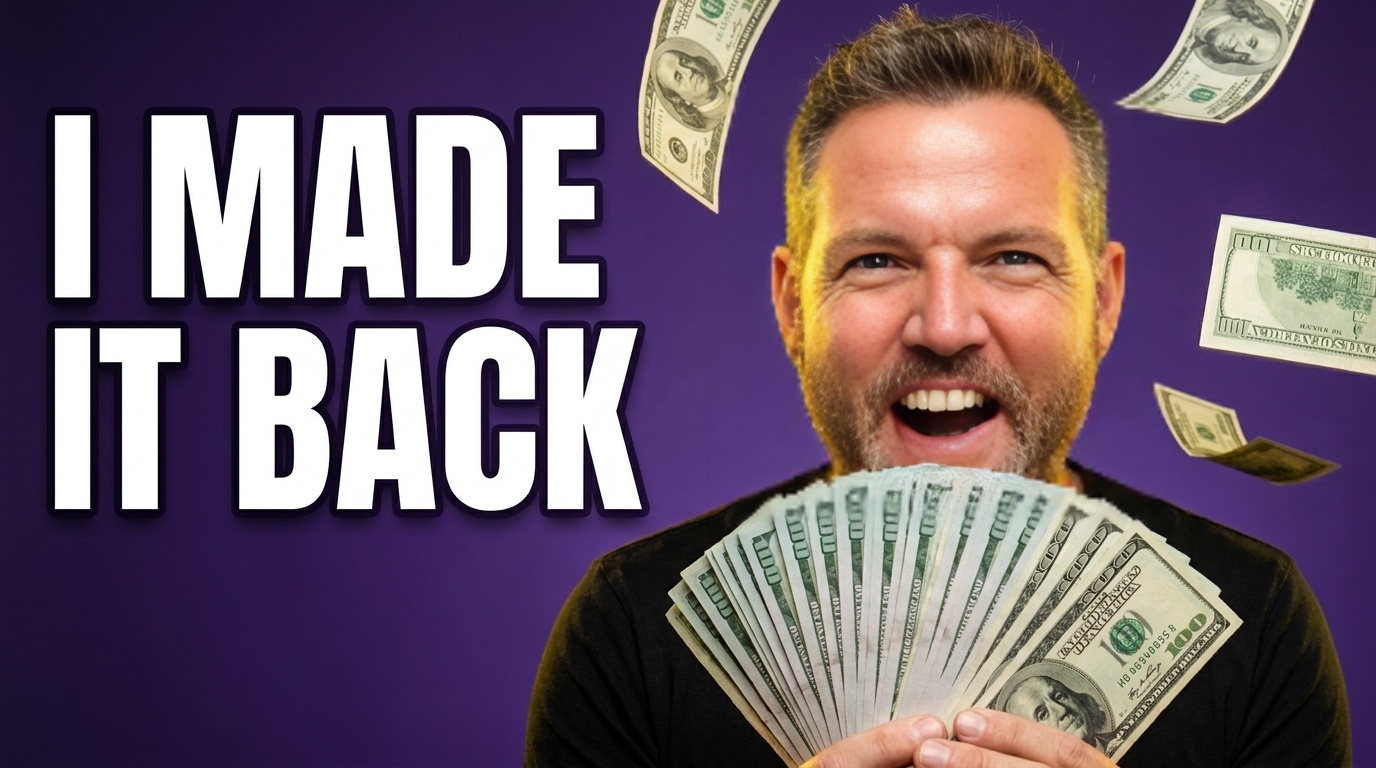
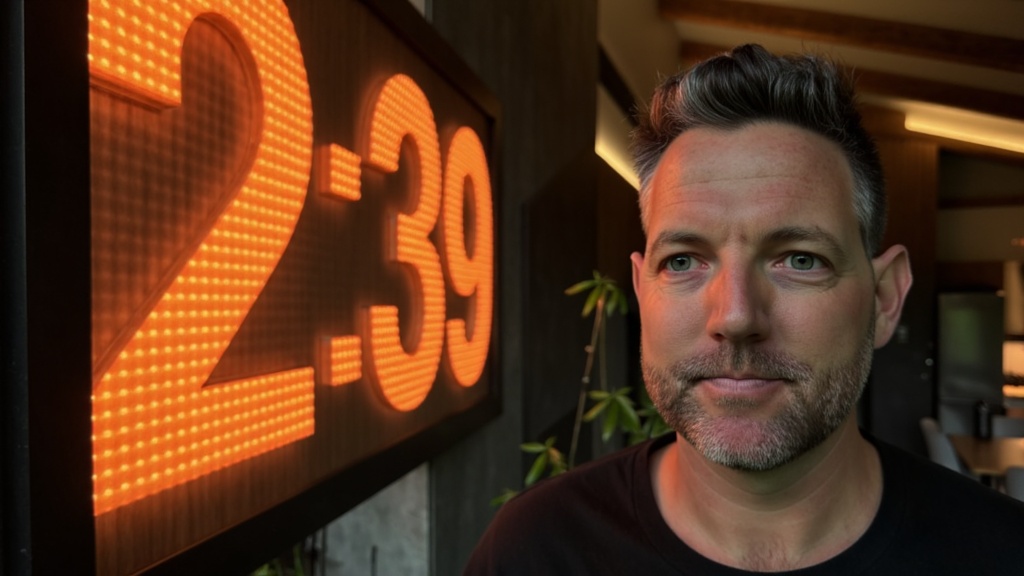
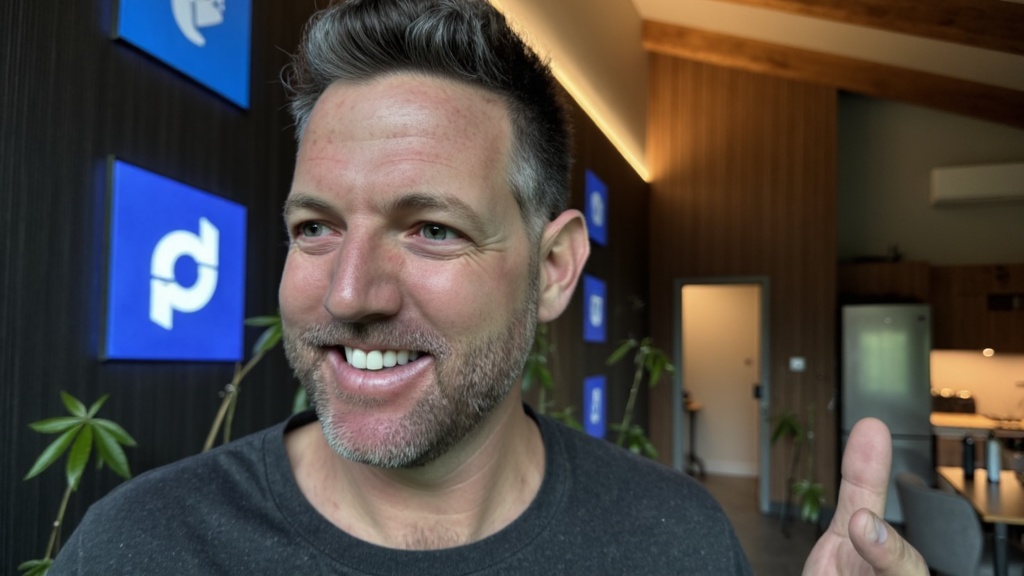
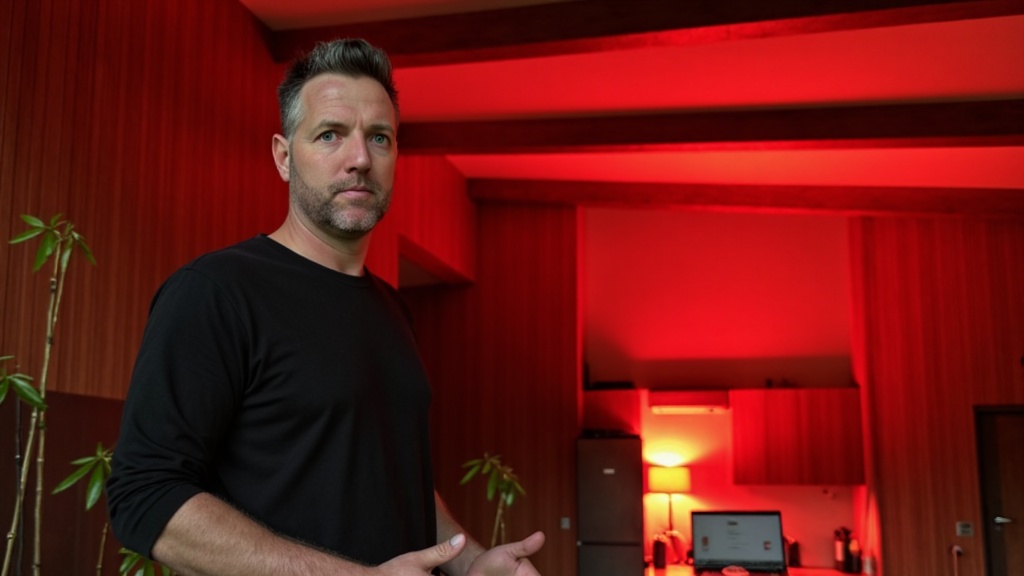
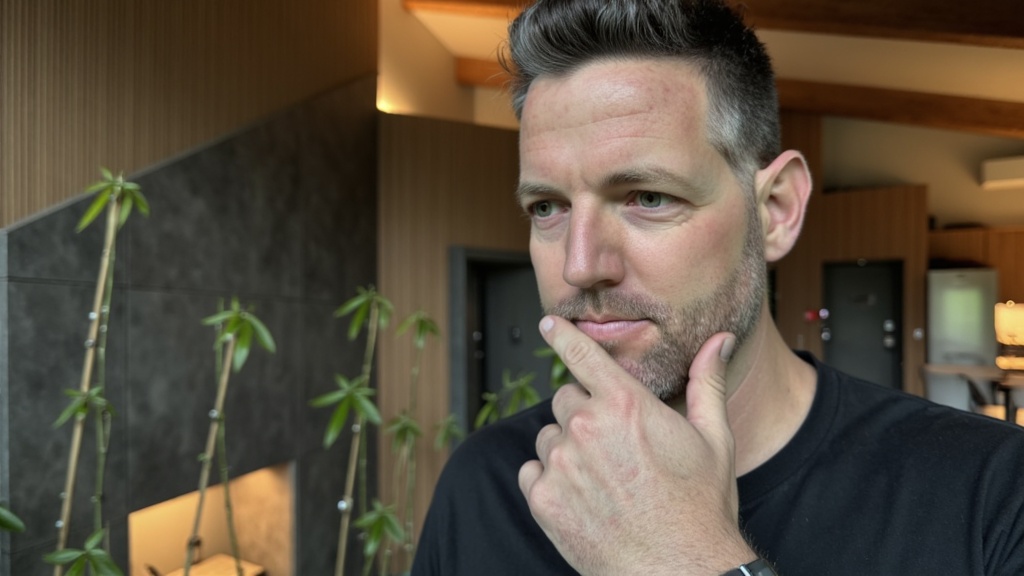
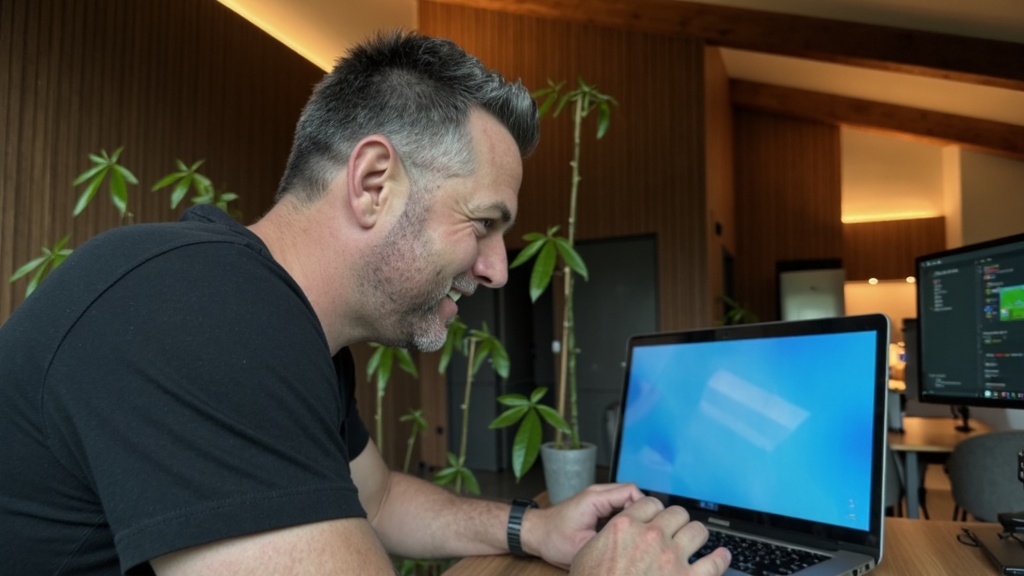
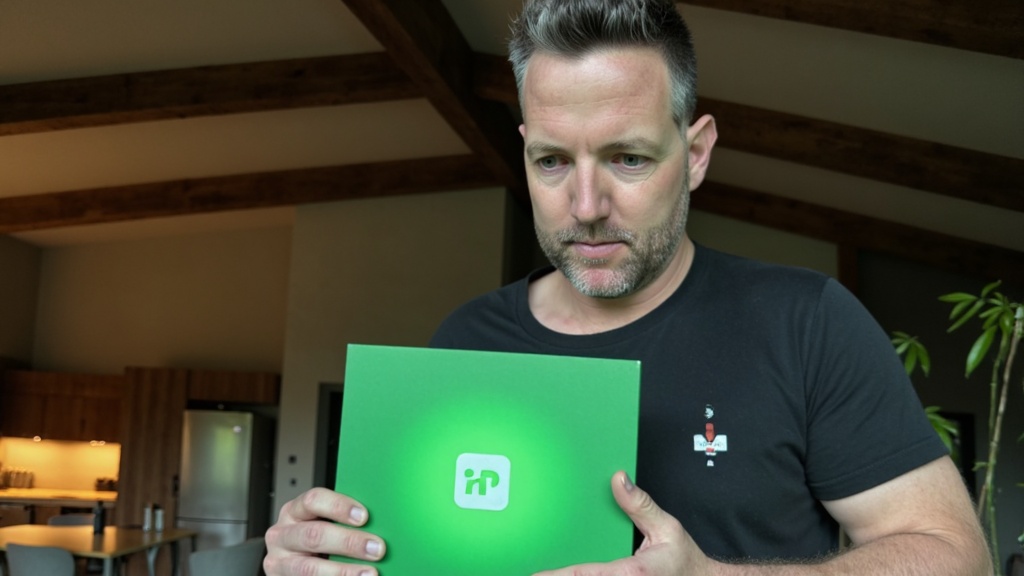
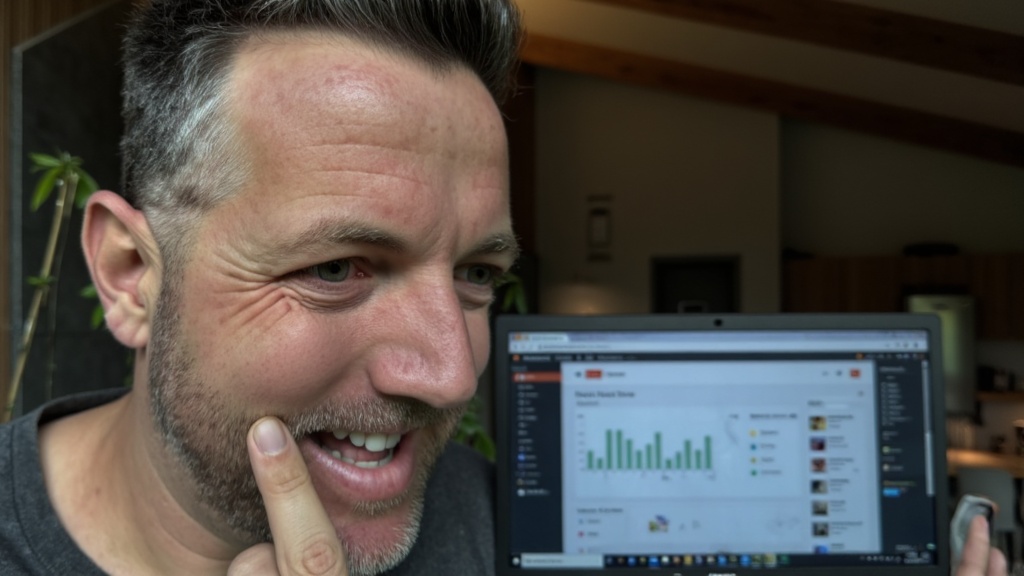
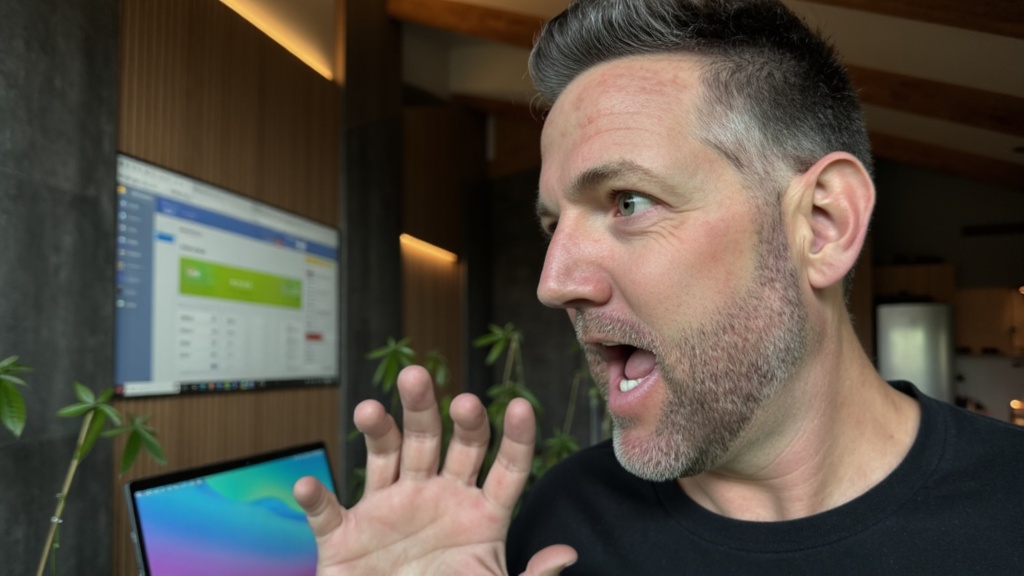
This tool builds the winner from photos of your own face, in the styles that already get clicked on YouTube. Type the title, pick a style, download the thumbnail. I built it for my channel and I am opening it up.
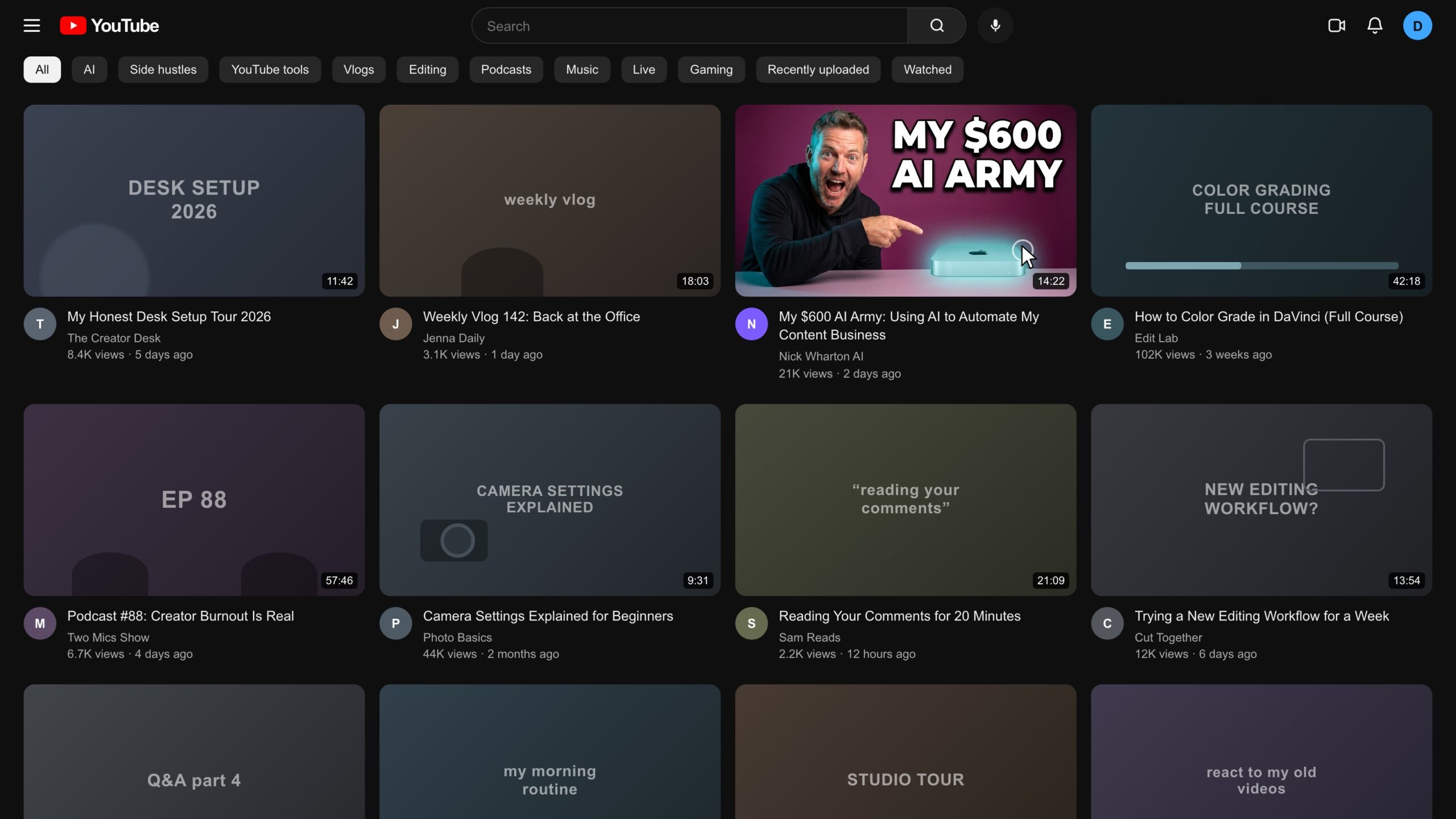 Made by the tool
Every screen below is a screenshot of the working build I use on my own channel.
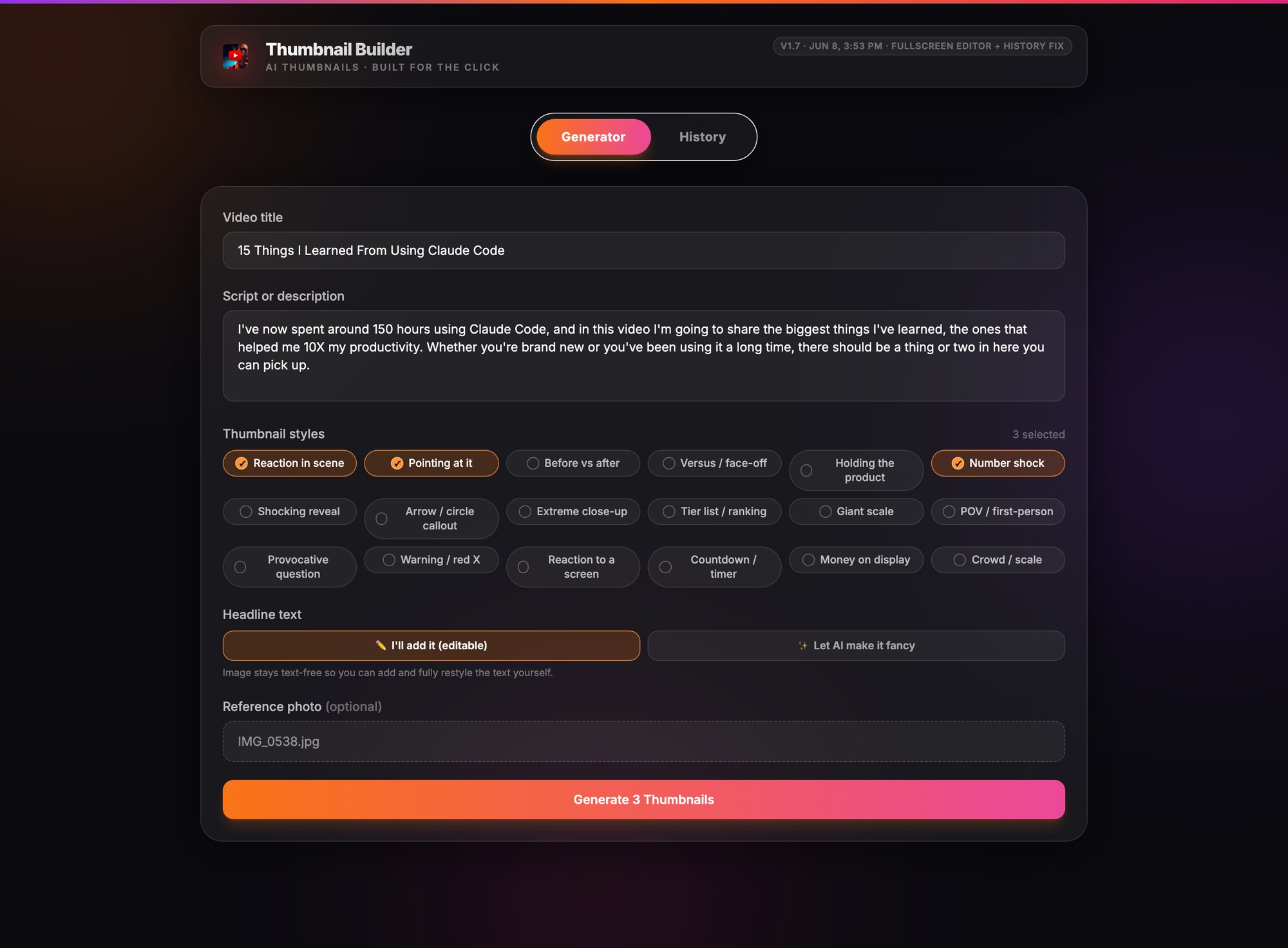
Drop in the video title, paste the script, and pick the styles you want from the 18 click patterns. Add a few clear photos of your face and hit generate. That is the whole setup.
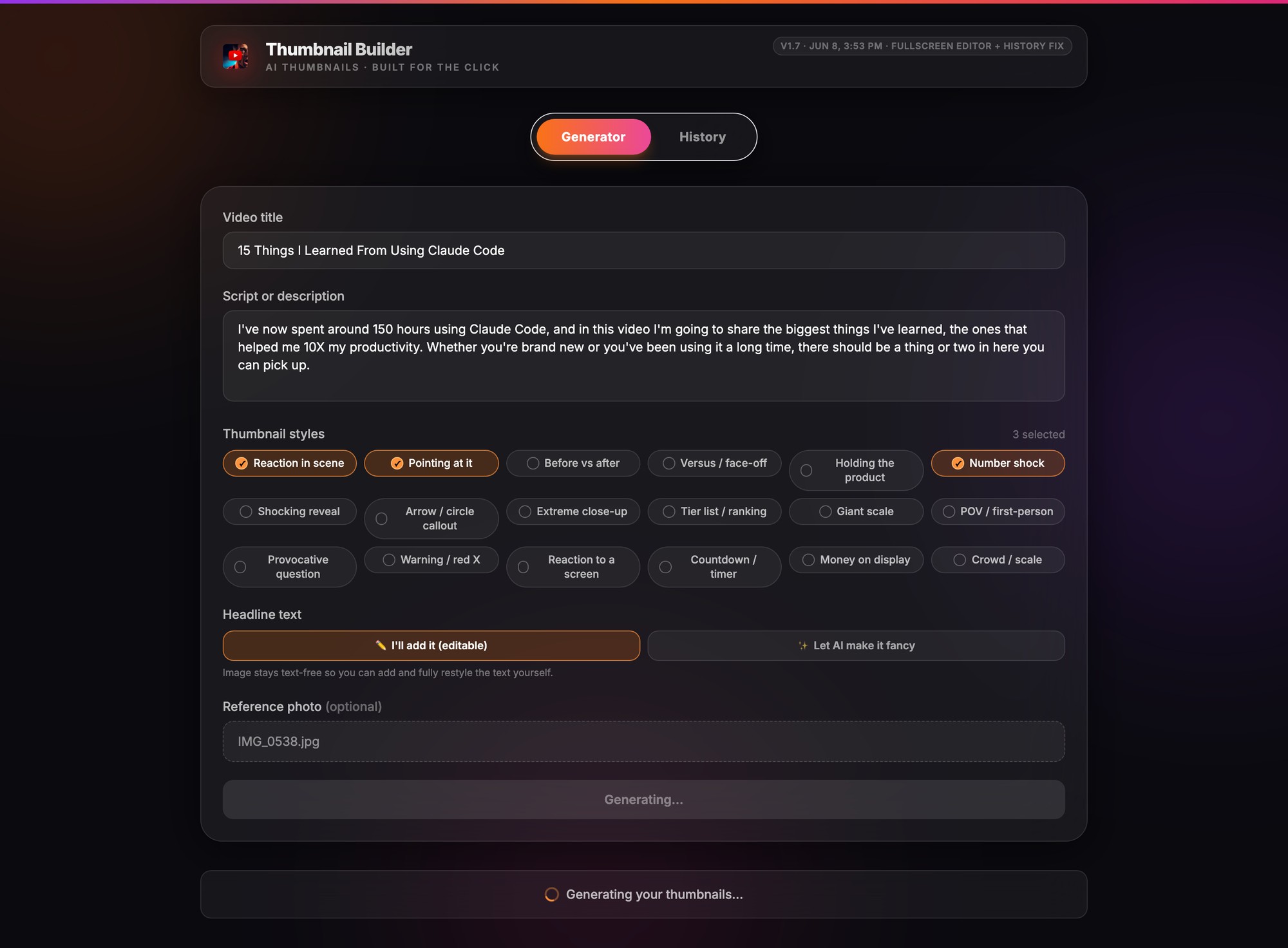
About a minute later you get three finished thumbnails, each a different take on the same video: a shocked reaction, a big number, your finger pointing at the thing. One click adds three more if you want a wider pick.
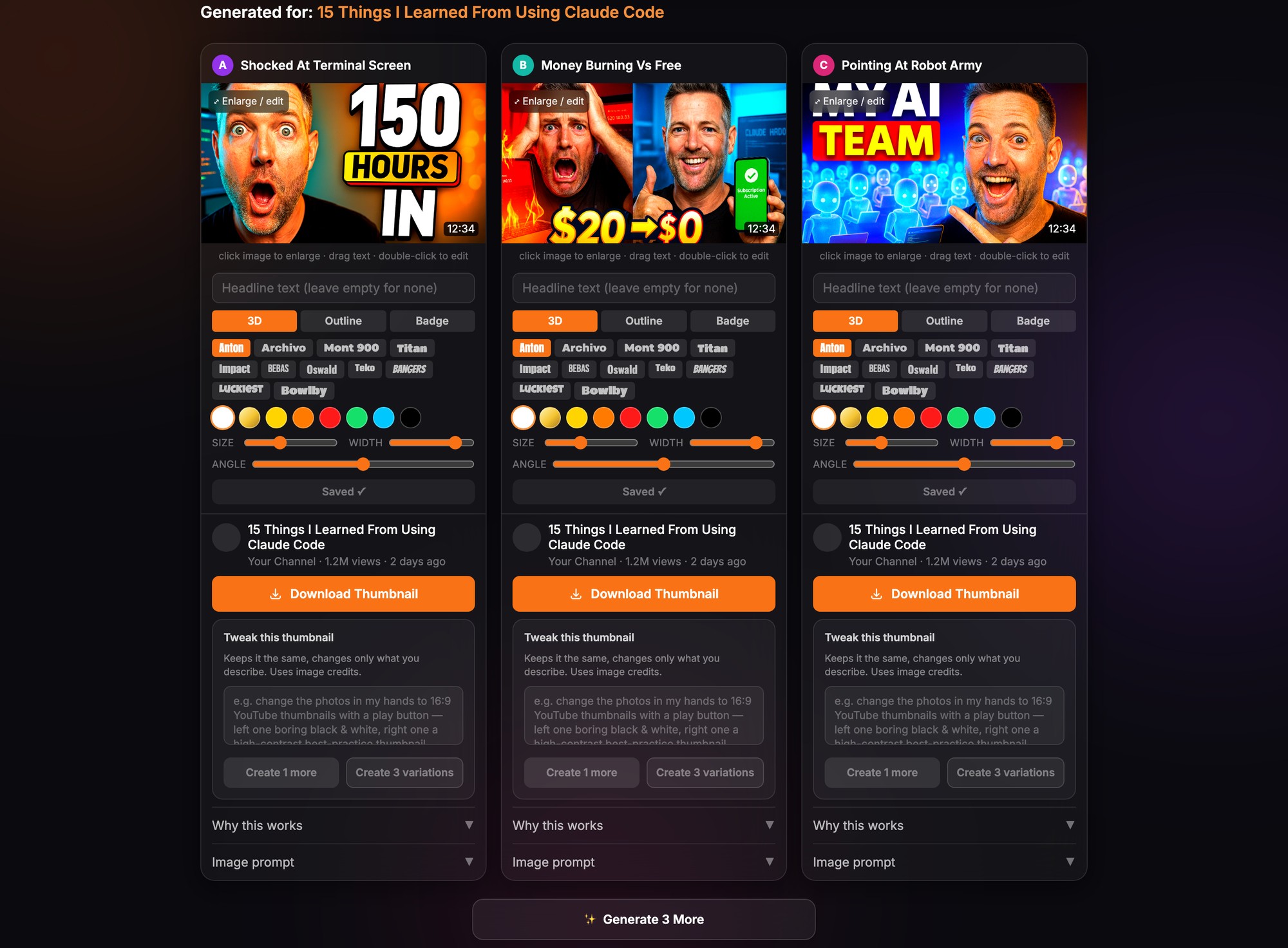
Every option comes with a full editor: swap fonts, drag the headline, change colors, or ask for variations of the one you like. Download gives you the full resolution file, ready for the upload screen.
A thumbnail lives next to everyone else's. This is a generated output on a dark search page against typical results: bold text that reads at stamp size, one face, one message.
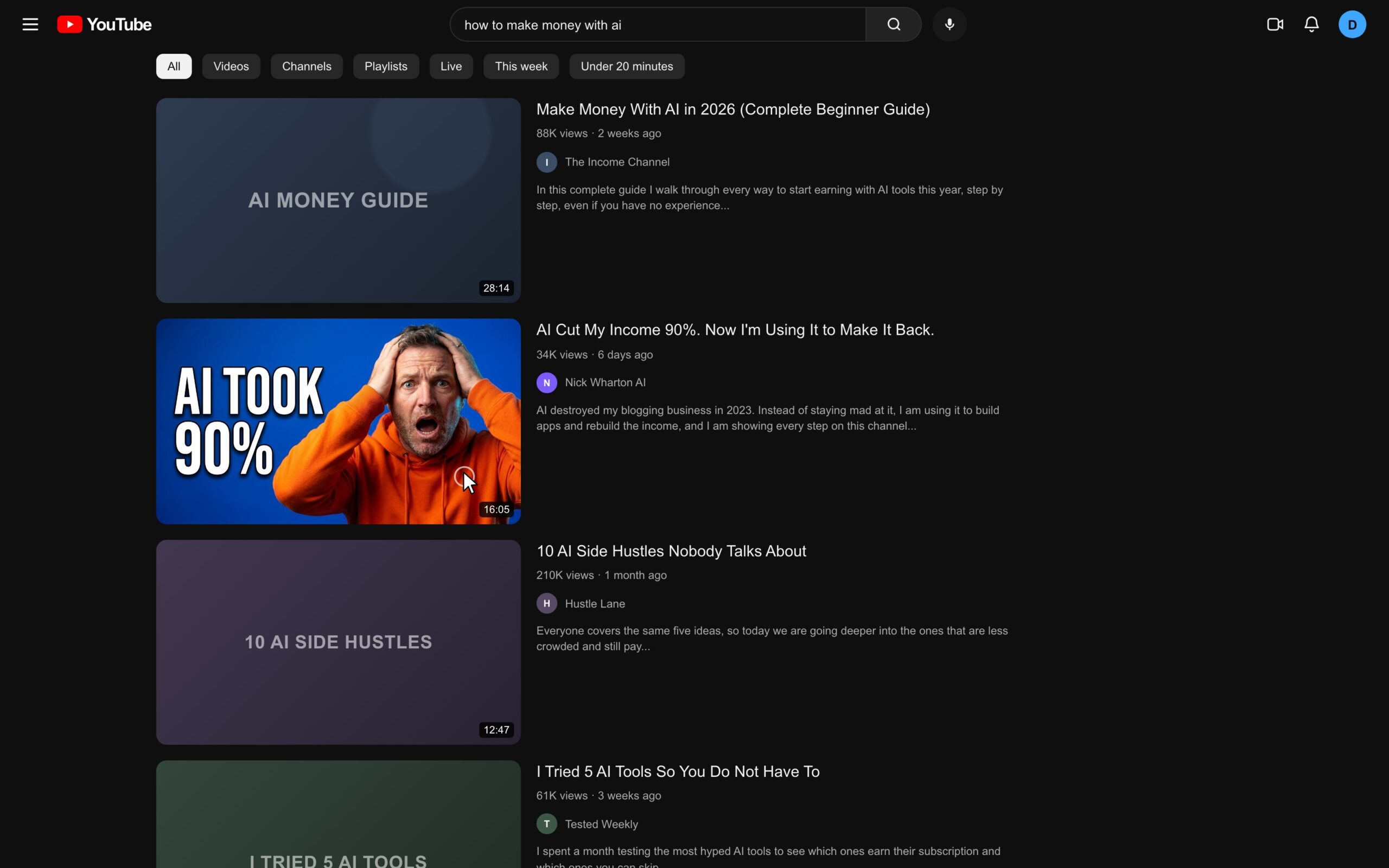
The bold text, big reaction, high contrast look that creators like MrBeast and Pete McKenna run, baked into 18 patterns. Every cell below is the tool's own output, labeled with the pattern it used.
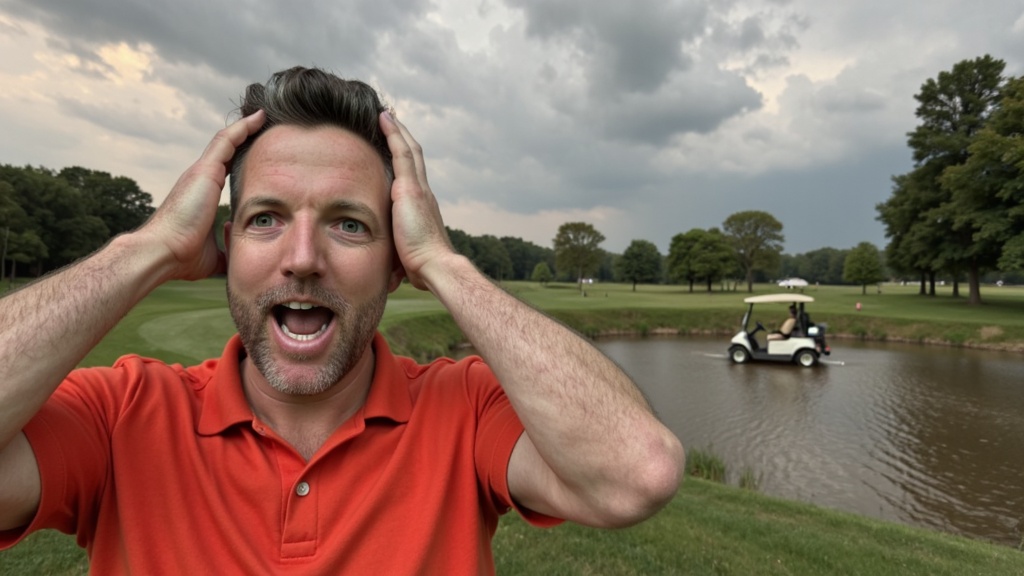

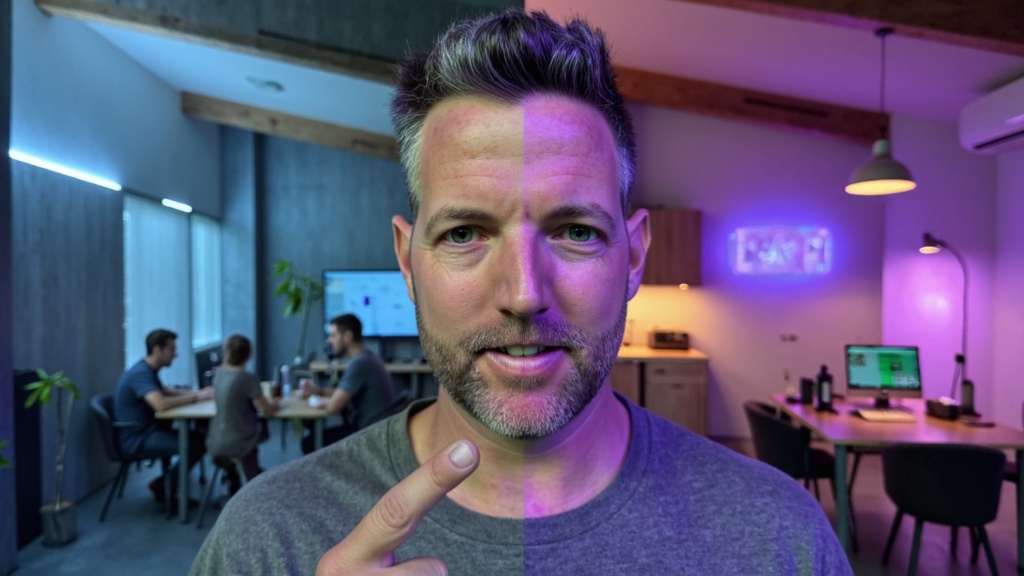
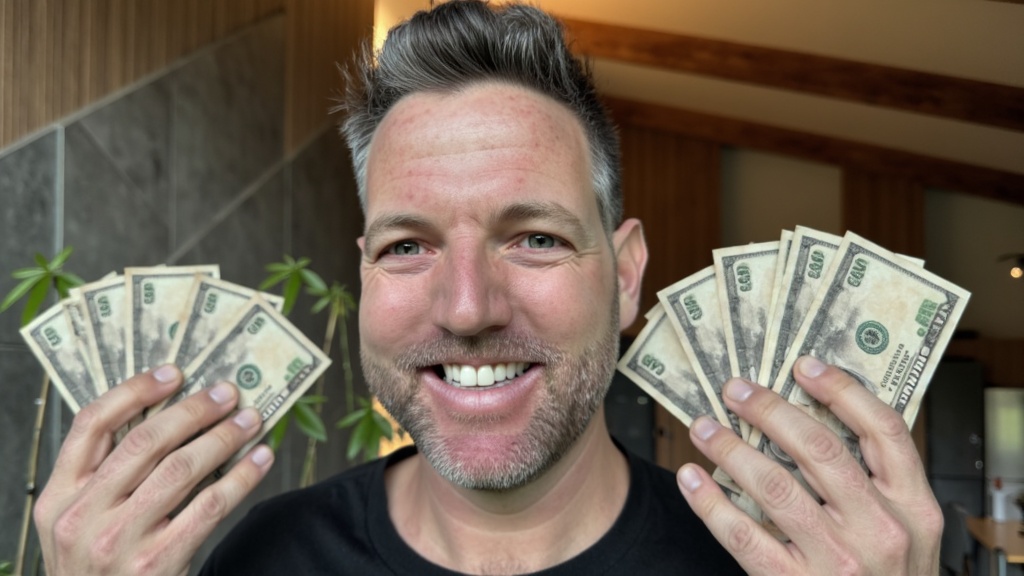
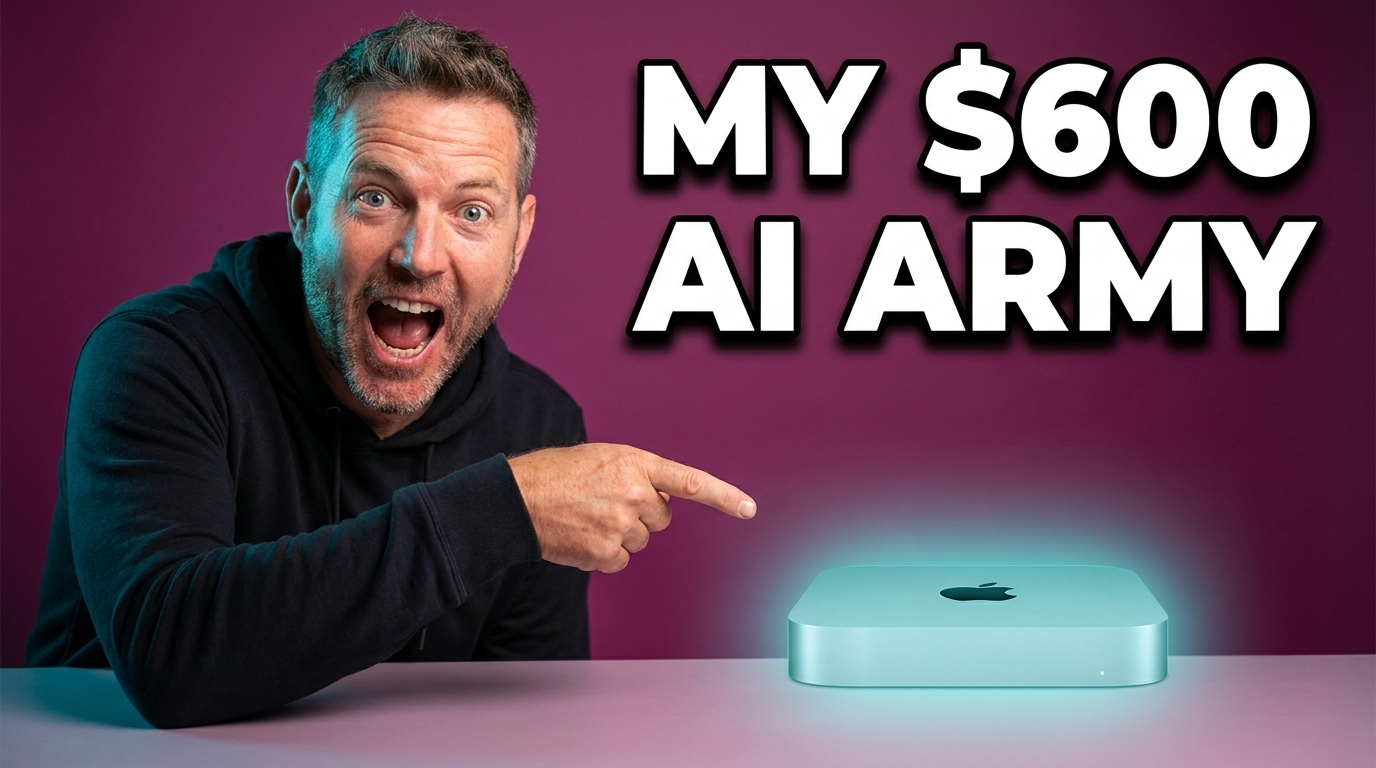
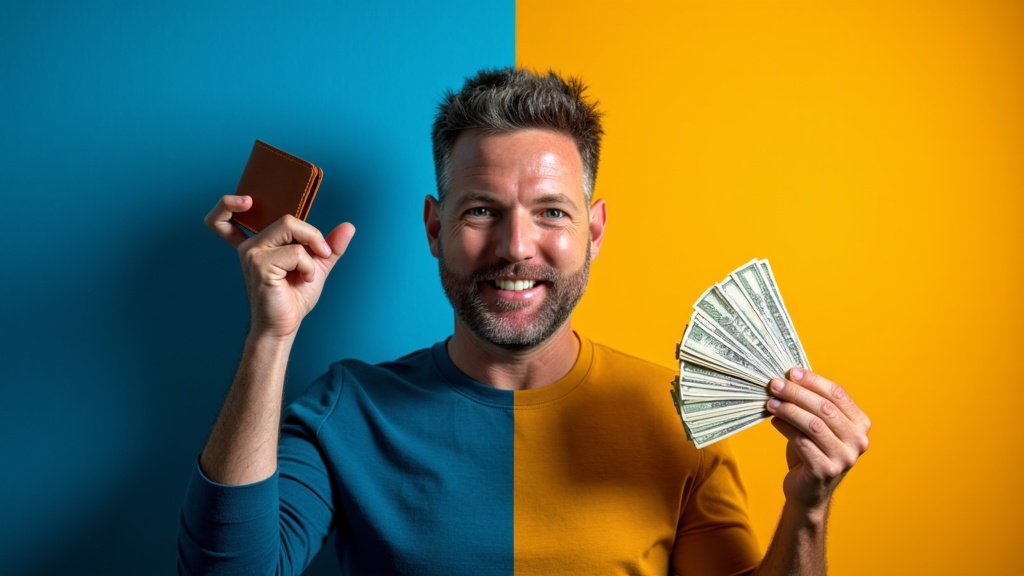
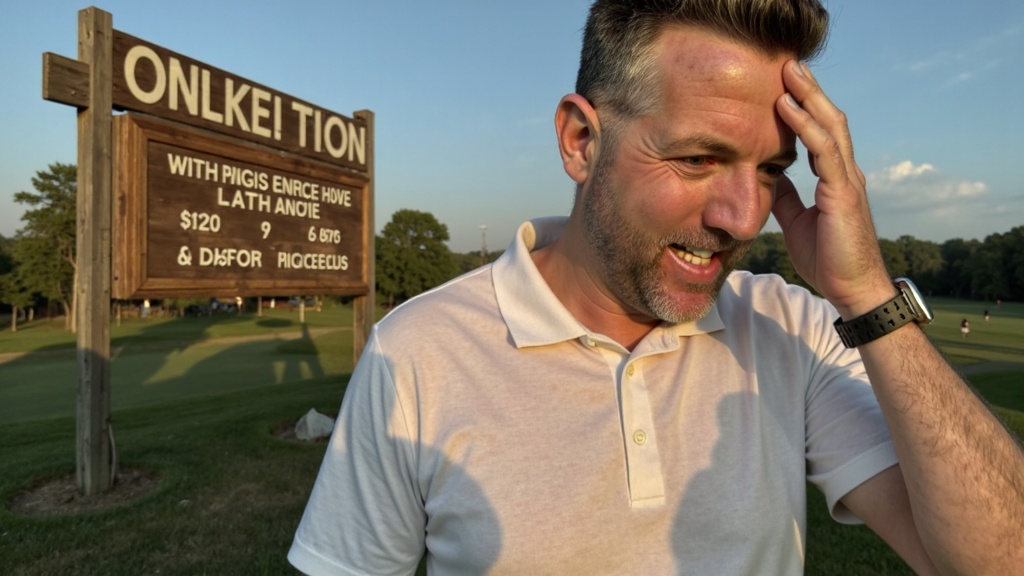
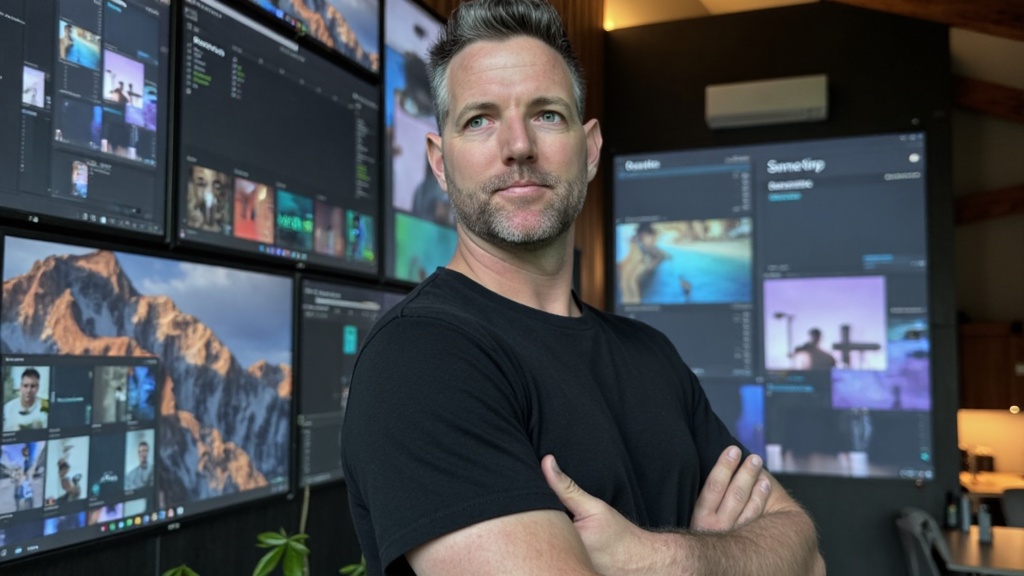
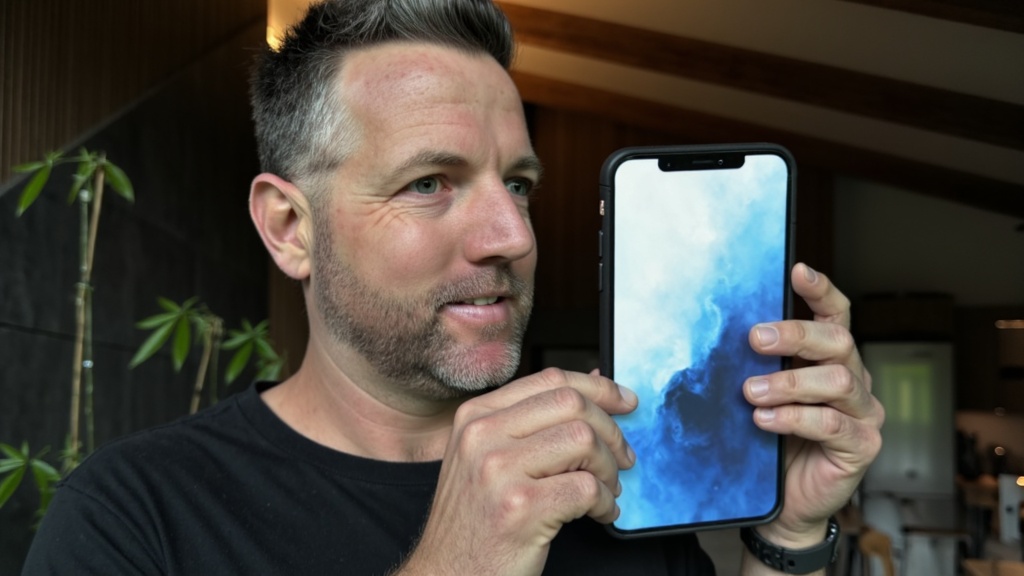
Each one started as a plain photo of me. No designer touched them.